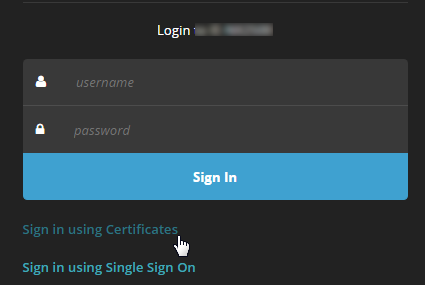
You can log in to the Web UI for certificate authentication by entering your user name and password provided by the administrator, using a certificate, or both. You can also log in to the Web UI for SSO authentication. For details about SSO authentication, see Single sign-on authentication.
Go to
https://<appliance>in the browser, where<appliance>is the IP address or hostname of the appliance. For example, if the configured IP address of the appliance is 10.1.0.1, enterhttps://10.1.0.1.On the login page, click Sign In Using Certificates.

Go to
https://<appliance>in the browser, where<appliance>is the IP address or hostname of the appliance. For example, if the configured IP address of the appliance is 10.1.0.1, enterhttps://10.1.0.1.On the login page, choose one of the following options:
Enter the user name and password your administrator provided.
Click Sign In Using Certificates.