Trellix Intrusion Prevention System offers malware inspection capabilities for HTTP upload requests generated in the network. The HTTP Upload option is useful in environments where files uploaded through the network need to be scanned.
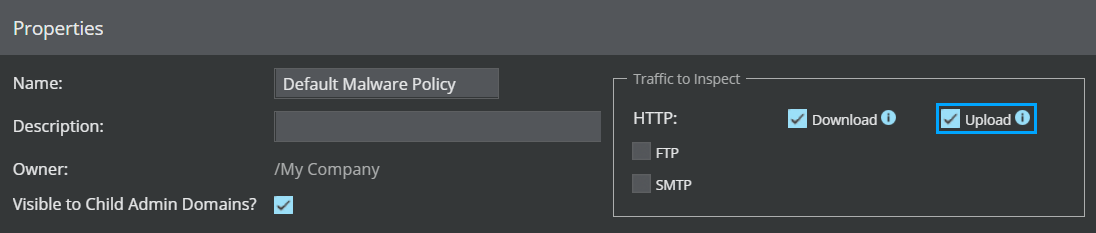
The Sensor has capabilities to scan both HTTP multipart and non-multipart requests for presence of malware.
In case of HTTP requests containing multiparts, malware inspection is supported only on the following multipart Content-Types:
- Multipart/alternative
- Multipart/digest
- Multipart/form-data
- Multipart/mixed
- Multipart/parallel
- Multipart/related
- Multipart/report
Multipart Content-Types that are currently not supported for inspection are:
- Multipart/signed
- Multipart/encrypted
- Multipart/byteranges
- Nested Multipart forms
Note
The Sensor does not support the inspection of malware files when files are transferred/uploaded using encoding mechanisms. These encodings are generally indicated by Content-Encoding/Content-Transfer-Encoding/Transfer-Encoding headers. To view the list of file types and their extensions supported for scanning, see the table File scanning options within the section Add an Advanced Malware policy.
Note
For information about the maximum file size that can be scanned, see the table File scanning options within the section Add an Advanced Malware policy.
You can view Layer 7 HTTP data for an alert from the Attack Log by following these tasks:
- Navigate to Analysis → <Admin Domain Name> → Malware Files.
- Double-click on the malware file hash that is associated with a malicious HTTP request. The Attack Log opens where you can view and analyze alerts related to the selected hash.
- Double-click on an alert to view all information related to the attack.
- The
<Attack Name> panel opens on the right-hand side. Click the
Details tab and scroll down to
Layer 7 section to view the HTTP fields associated with the alert.
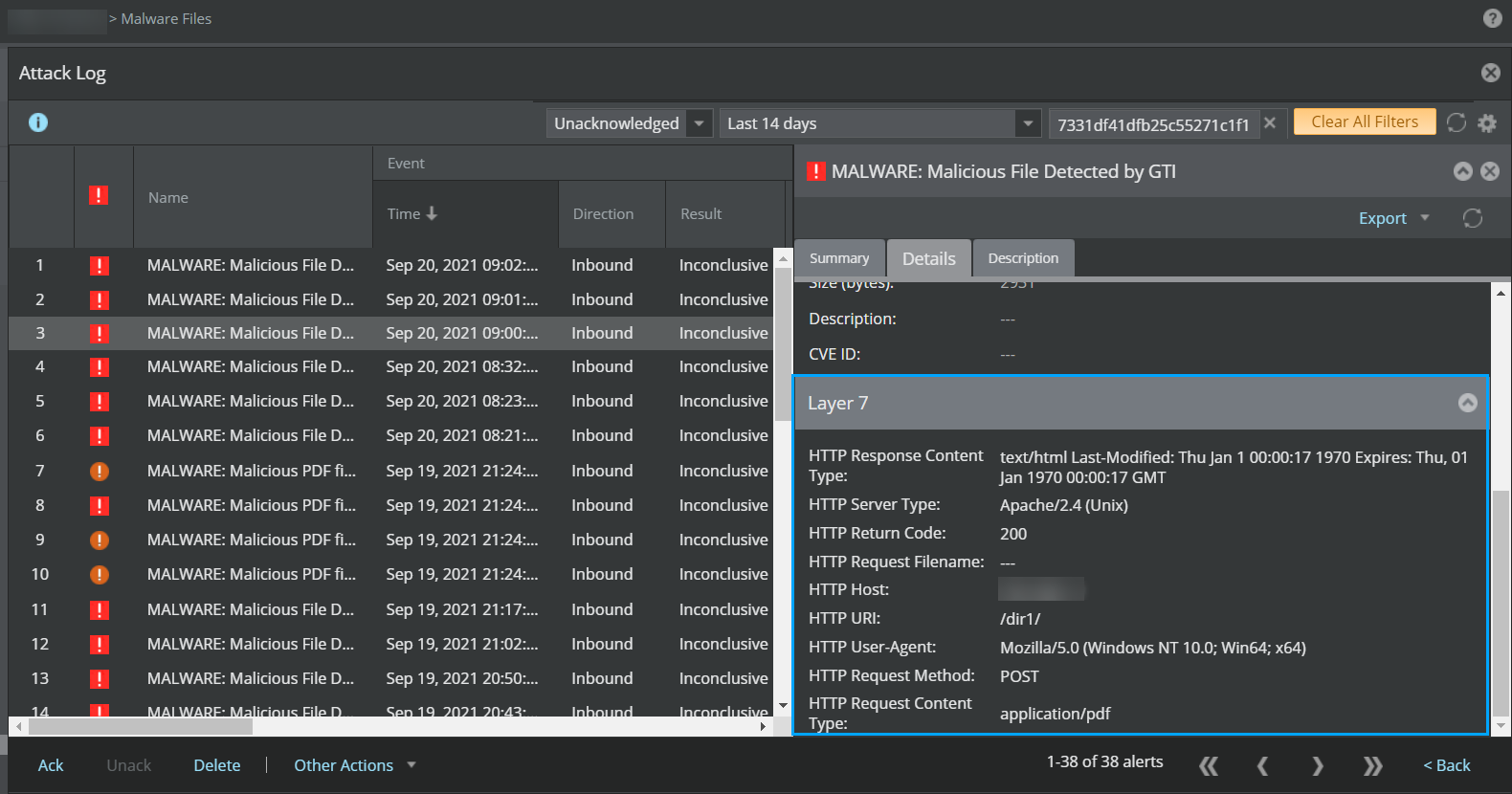
The HTTP fields displayed under the Layer 7 section vary depending on the HTTP alert you select for examination.
Note
The limit for the number of files uploaded and scanned per single HTTP POST or PUT transaction is 10.
Note
Malware inspection on HTTP requests requires additional system resources and can therefore impact overall Sensor performance.