The following actions are possible through the Devices tab:
- Managing Devices — Add devices to the Manager; accept communication from initialized, physically installed and network-connected devices like IPS Sensors, NTBA Appliances or virtual HIP Sensors to the Manager.
- Updating the configuration of all devices — All changes done that apply to your Sensors are not pushed until you perform Devices → <Admin Domain Name> → Global → Device Manager, select the required Sensors from Sensors tab and click Sync (applicable to all Sensors in a domain) or Devices → <Admin Domain Name> → Devices → <Device Name> → Deploy Pending Changes (single Sensor) action.
- Updating software to all devices — Download software and signature files from the Manager via Trellix IPS Update Server.
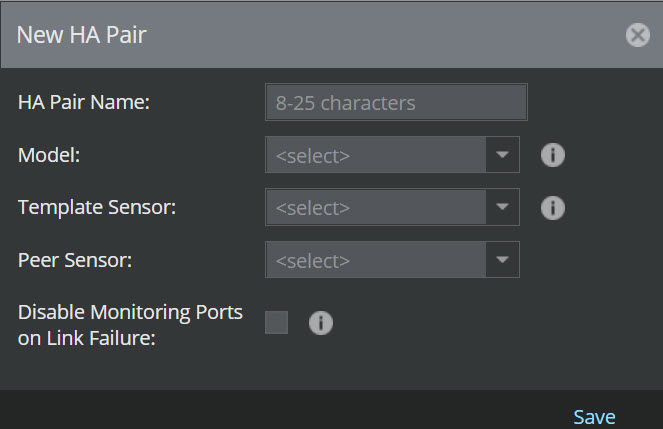
- Creating HA Pairs — Pair two devices for failover operation.