To register your Manager with Trellix, do the following:
Before you begin
Obtain the Product Registration Key from the Trellix Download Server.
Note
If you have skipped the Product Registration during initial login after installation or upgrade, go to Manager → <Admin Domain Name> → Summary (Manager → Summary in Central Manager), click Register Product, and follow the below procedure from step 3 to register the Manager.
Task
Log in to the Manager.
The End User License Agreement opens.
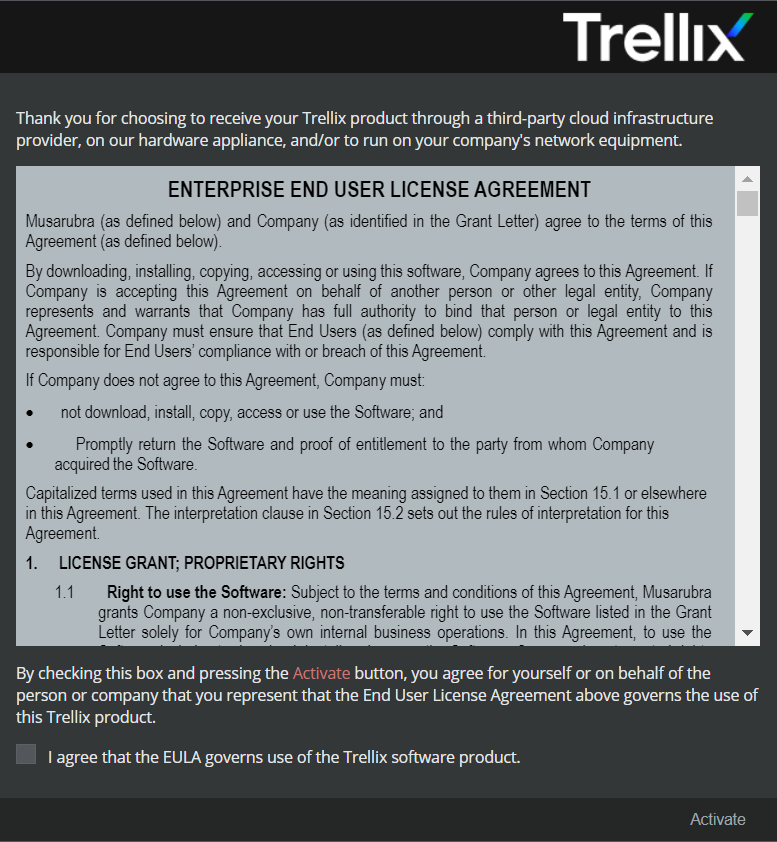
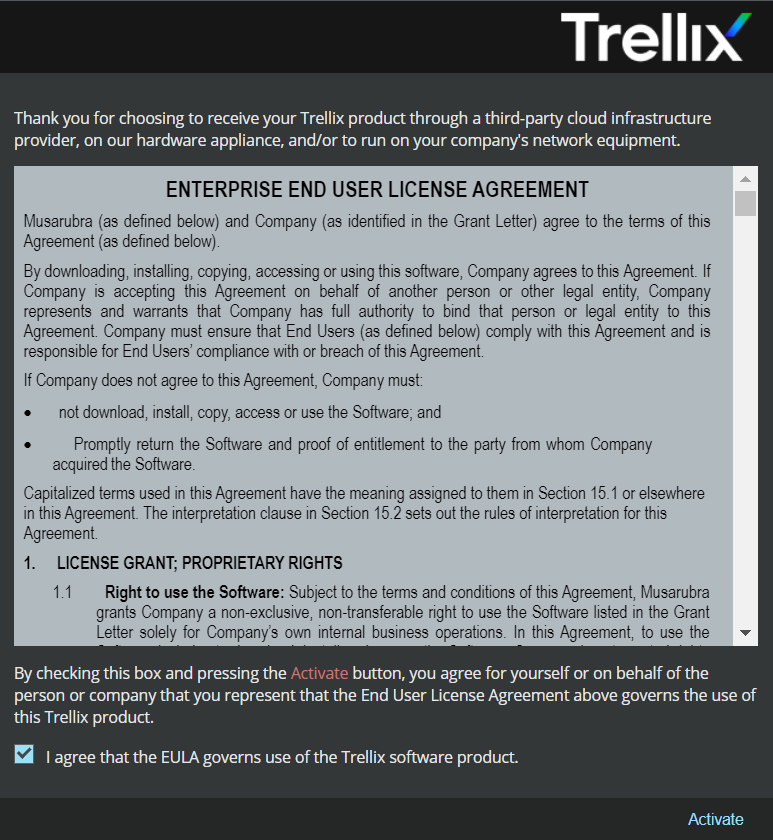
Select the checkbox and click Activate.
Note
Trellix recommends you perform Product Registration immediately after the initial login. If you do not want to register the Manager, click Skip.
Note
When the Manager is not registered with Trellix, the following features are automatically disabled:
Download Signature Sets
Download Callback Detectors
Download Device Software
Signature Sets Automatic Updating
Callback Detectors Automatic Updating
The Product Registration dialog box appears.
In case you do not have the registration key readily available, click Lost Key? to procure the registration key.
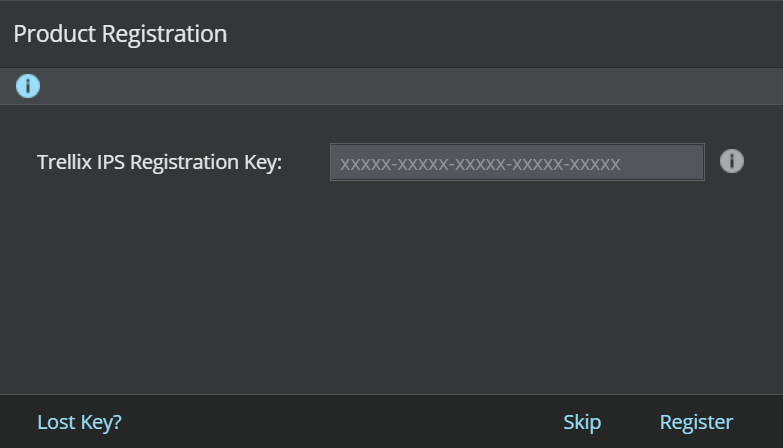
Enter the Trellix IPS Registration Key and click Register.
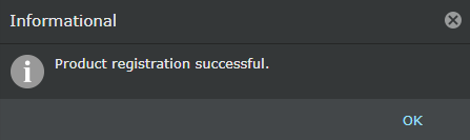
Once the Product Registration is complete, an Informational dialog box appears with success message.