Use the Appliances > Sensors page to replace a member of a Network Security HA pair.

To replace a member of a Network Security HA pair:
Log in to the Central Management System Web UI.
Select Appliances > Sensors.
Locate the pair in the Sensors column.
Click Select > Edit in the Action column in the row for the pair.
In the Select Two Sensors area:
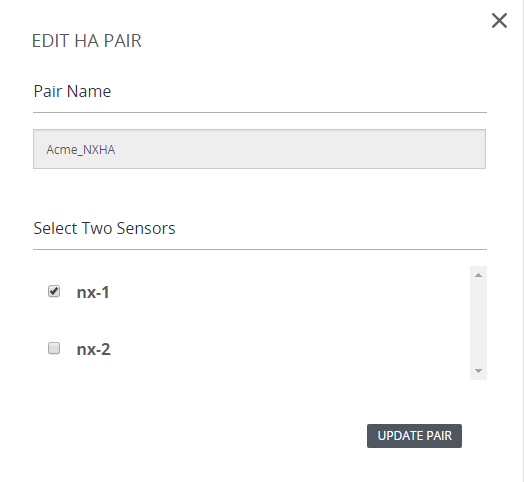
If the appliance you want to replace is still in the pair, clear the checkbox for that appliance.
Select the checkbox for the appliance that will replace it.
Click Update Pair.