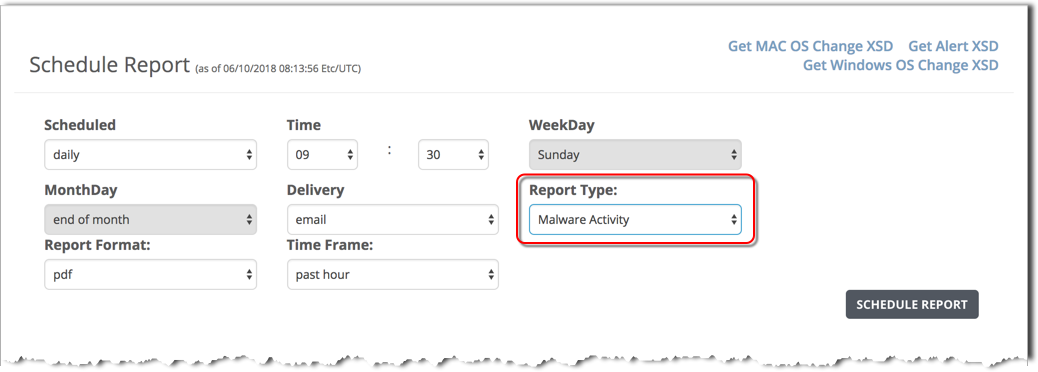
To schedule a malware activity report using the Web UI, use the Schedule Report form and specify the Malware Activity report type.
Prerequisites
To schedule a malware activity report:
In the Time field, set the time of day in hours and minutes (00:00).
If you selected a weekly report, specify the report day of the week in the WeekDay field.
If you selected a monthly report, specify the report day of the month in the MonthDay field.
In the Report Type field, select Malware Activity.
In the Report Format field, the pdf output format is selected by default. The malware activity report is not available in other output formats.