Use the HTTP Settings area to set up the default configuration for HTTP notifications.
To configure HTTP settings:
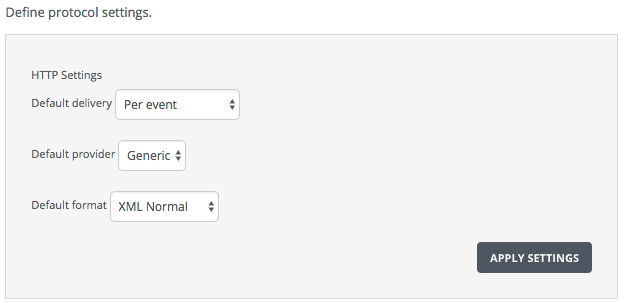
Go to HTTP Notifications Settings page and go to the Define protocol settings box:
On the Settings tab, select Notifications from the side tab. Select HTTP from the Notifications Settings tab.
Set the default delivery frequency.
Note
Trellix recommends using per-event notifications.
Set the HTTP server provider type.
Specify the notification message format.
Click Apply Settings.