You can view details for an endpoint by starting the Trellix ePO - On-prem console from the Attack Log itself.
Task
- Select Analysis → <Admin Domain Name> → Attack Log.
-
Double-click the alert for which you want to view the details.
The alert details panel opens.
-
In the
Summary tab under the
Attaker/Target section, click the information icon next to the source or target IP address.
The Attacker IP address – <IP address> or the Target IP address – <IP address> pop-up opens.
Endpoint information 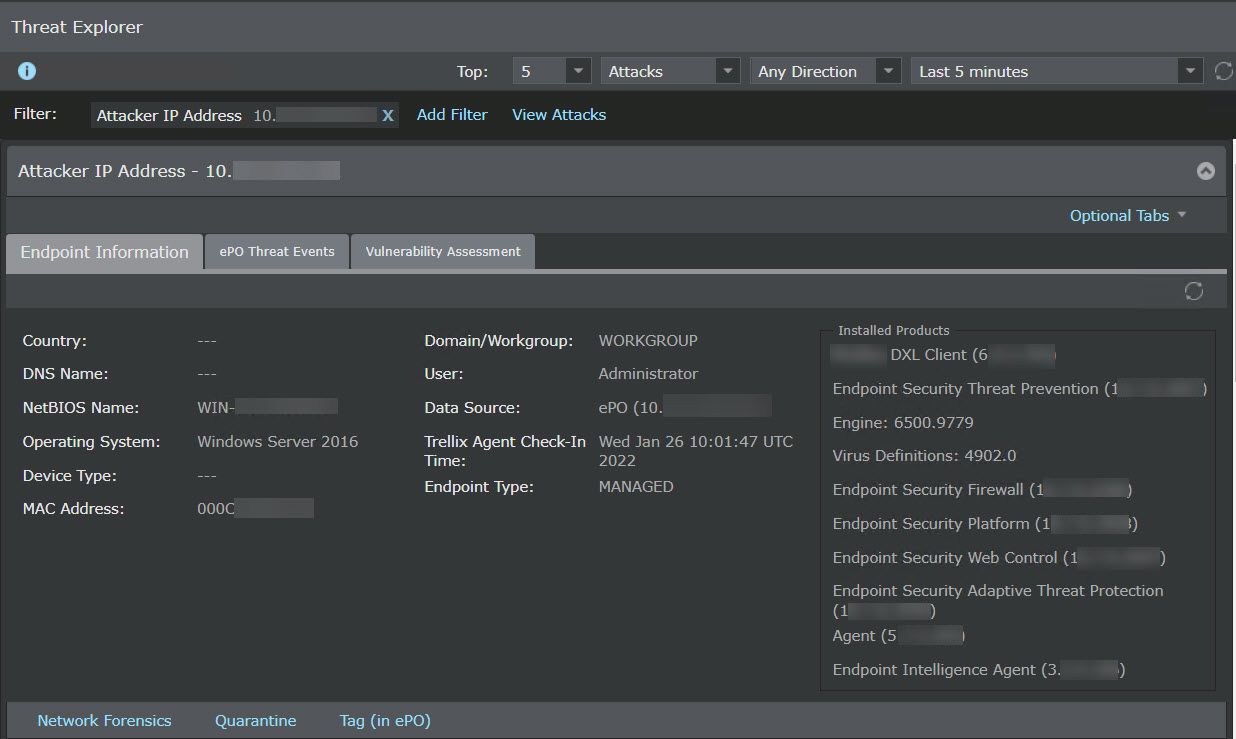
-
Click
ePO Threat Events and then click
Open ePO console.
The actions that you can do on the Trellix ePO - On-prem console will be based on the permissions assigned to the user credentials that you enter during Trellix ePO - On-prem server configuration.