Following troubleshooting options are available with respect to Trellix IPS-Vulnerability Manager integration and Relevance Analysis:
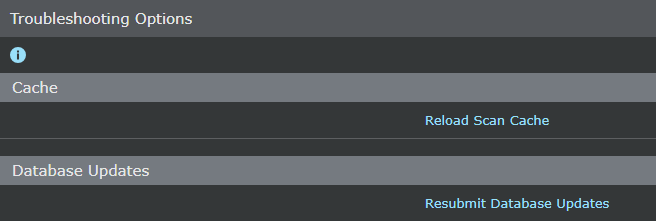
- Reloading Vulnerability Manager cache — If the added scan configurations are suspected as missing from Manager
- Resetting the relevancy cache — If you wish to reload the data in Manager Relevancy Cache, that is presently used by Manager for relevance analysis
- Updating the Vulnerability Manager database again — If you suspect that the Vulnerability Manager database is not updated with the tables and stored procedures that are required for importing information from Vulnerability Manager database to Manager database.
To access the Troubleshooting options in Manager, Select Manager → <Admin Domain Name> → Integration → Vulnerability Assessment → MVM → Alert Relevance → Troubleshooting for performing this action from root or child admin domains.
Note
The Reload Scan Cache button is visible only when integration with Vulnerability Manager is enabled, and scans are added.