Use this file to discover all available pages before exploring further.
The new docs.trellix.com features a modernized UI and AI-powered conversational search. Content is currently available in English, with additional languages launching in early November 2026. We hope you enjoy the updated experience.
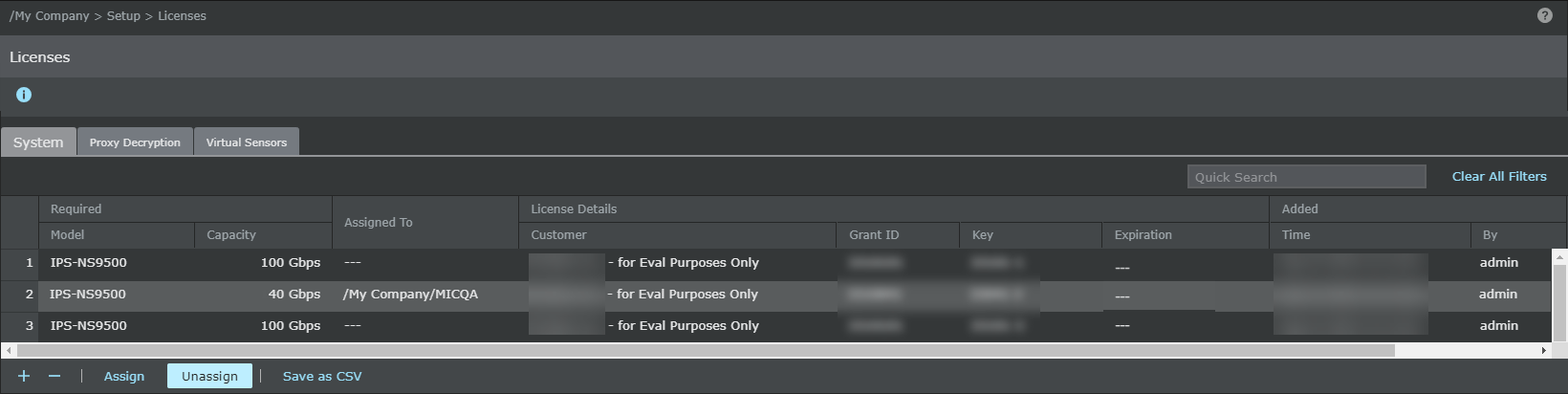
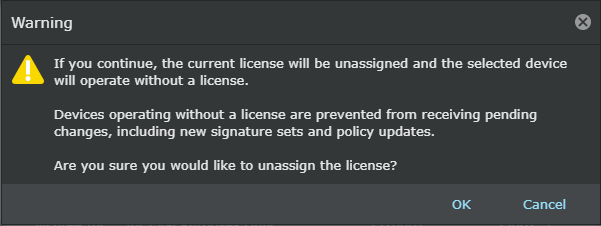
To unassign the license, perform the following steps:
Task
Go to
Manager → <Admin Domain Name> → Setup → Licenses.
Click the
System tab.
Select the license you wish to unassign.
Click
Unassign.
Click
Ok.
Once a license is unassigned from a Sensor, the Manager will not be able to deploy pending changes, including new signature sets and policy updates to the Sensor.