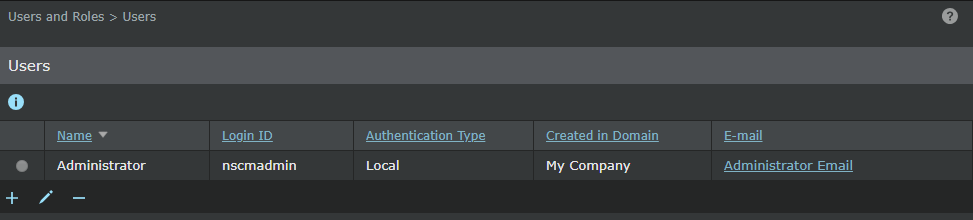
The Users page (Manager → Users and Roles → Users) enables you to create, edit, and delete users.
When you are in
Edit ( ) mode, you will see the
Reset GUI Presentation button. This version of the Manager allows you to make changes to a column or panel presentation. For example, you can resize the width of a column in a table or apply a filter by using a small arrow situated next to a column. Once you customize the width of a column or apply a filter, it stays that way even when you log out and log in next time. If you want to reset these changes and revert to the default settings, click
Reset GUI Presentation.
) mode, you will see the
Reset GUI Presentation button. This version of the Manager allows you to make changes to a column or panel presentation. For example, you can resize the width of a column in a table or apply a filter by using a small arrow situated next to a column. Once you customize the width of a column or apply a filter, it stays that way even when you log out and log in next time. If you want to reset these changes and revert to the default settings, click
Reset GUI Presentation.
These functions have similar steps to that in the Manager. See the following sections:
- Adding users
- Editing users
- Deleting users
Note
Users created in Central Manager are synchronized with all associated Managers. These users cannot be edited or deleted in any of the Managers.