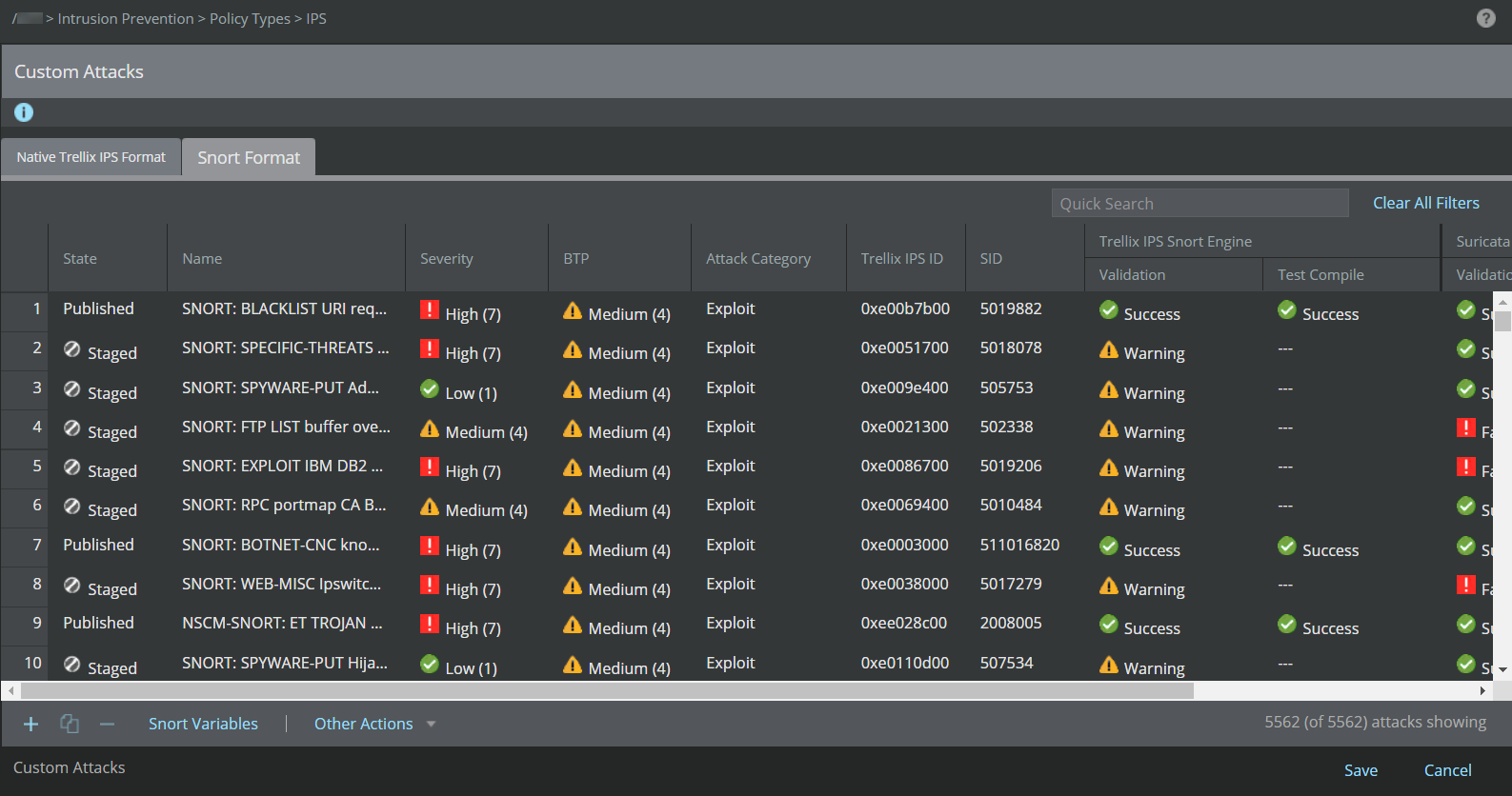
To verify if a custom attack has been published in a rule set:
Task
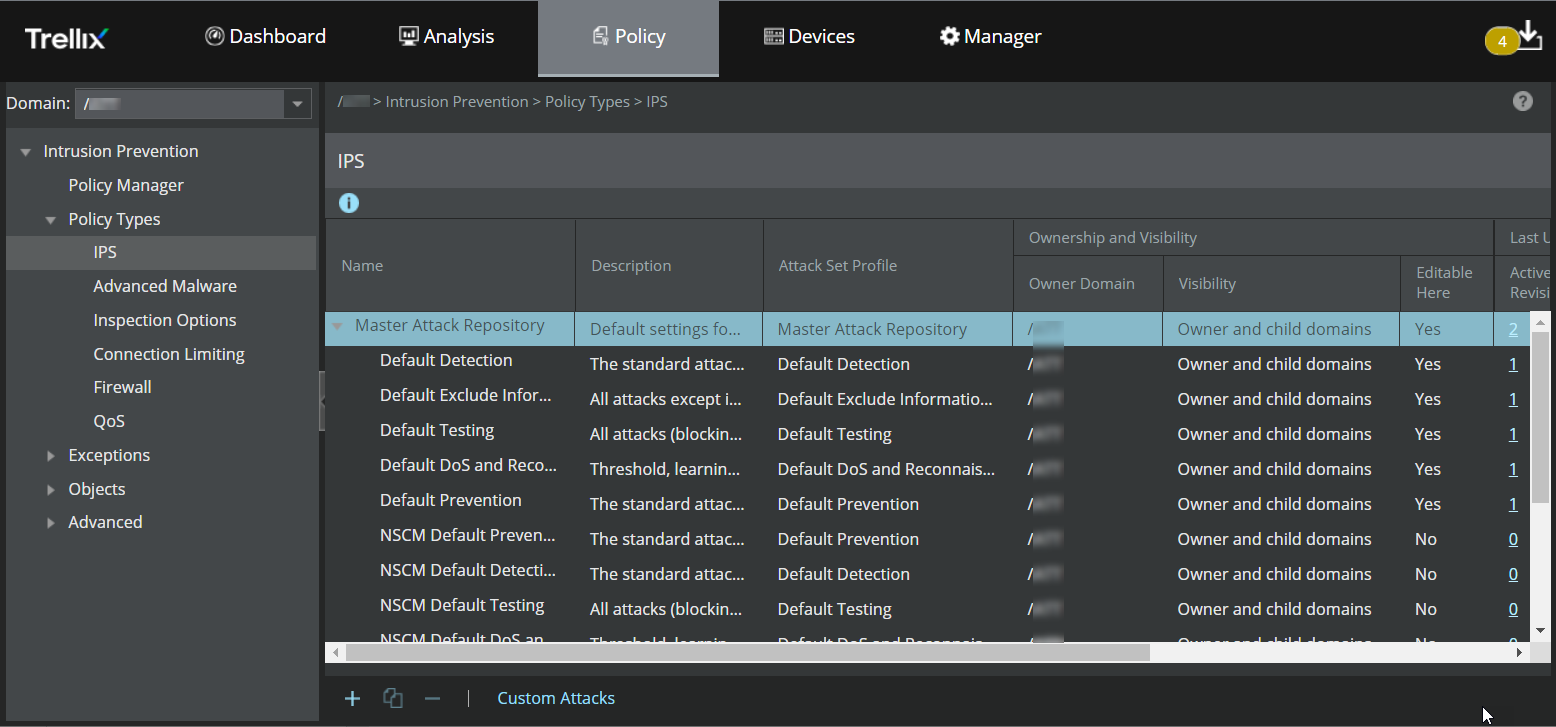
- Select Policy → <Admin Domain Name> → Intrusion Prevention → Policy Types → IPS.
-
Double-click the "Default Testing " attack set to view the selected attacks.
-
Scroll down the list (sorted alphabetically) to find your attack file.
Trellix IPS Custom Attacks have "UDS-" appended to the beginning of the name, while Snort Custom Attacks have "SNORT-" appended to the beginning.