You can view the list of categories in the Rule Objects page.
Task
- Click the Policy tab.
- Select the domain from the Domain drop-down list.
- Select Intrusion Prevention → Objects → Rule Objects.
-
From the object types drop-down, select
Application Group.
The default Application Groups are the application categories.
List of application categories 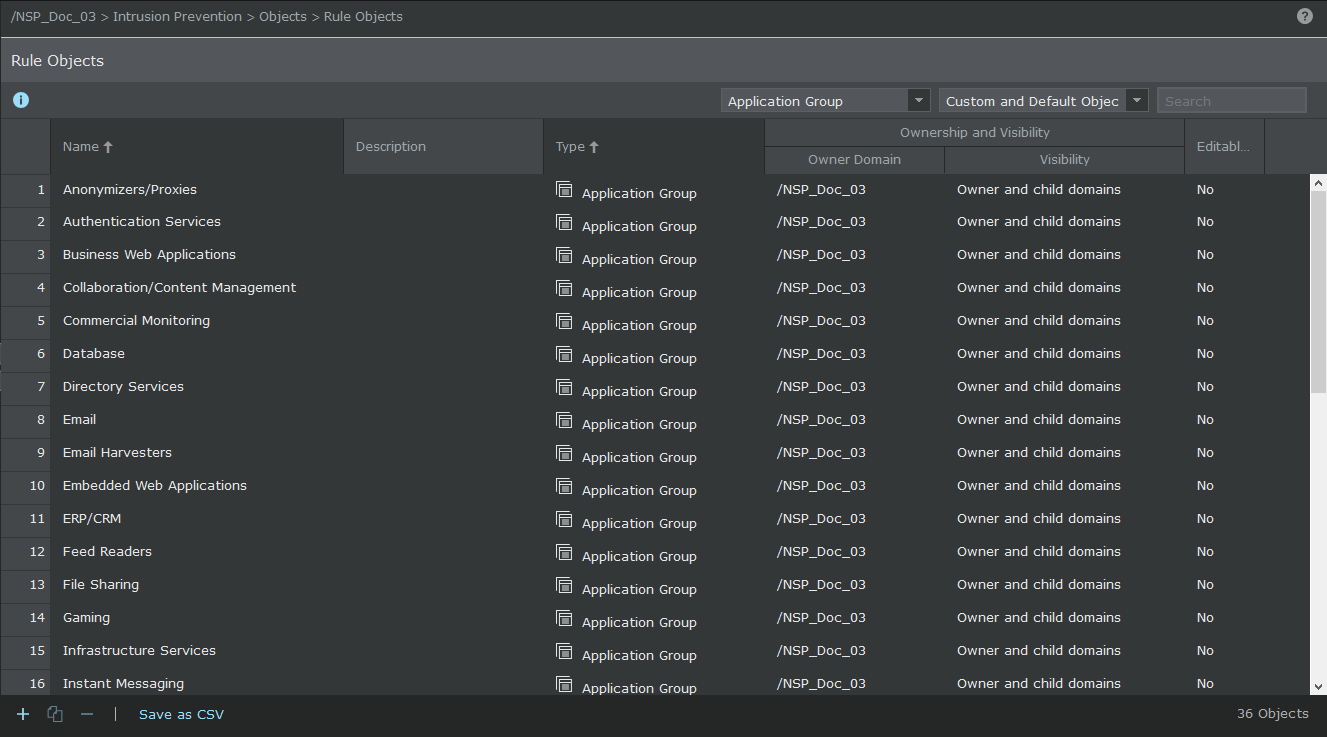
To view the applications that belong to a category (a default Application Group), double-click a default Application Group. In the Object Details panel, select the required application group from the Available drop-down list and click
.png) icon.
icon.
Note
The list of default Application Groups and the constituent Applications may change between versions of the signature set.