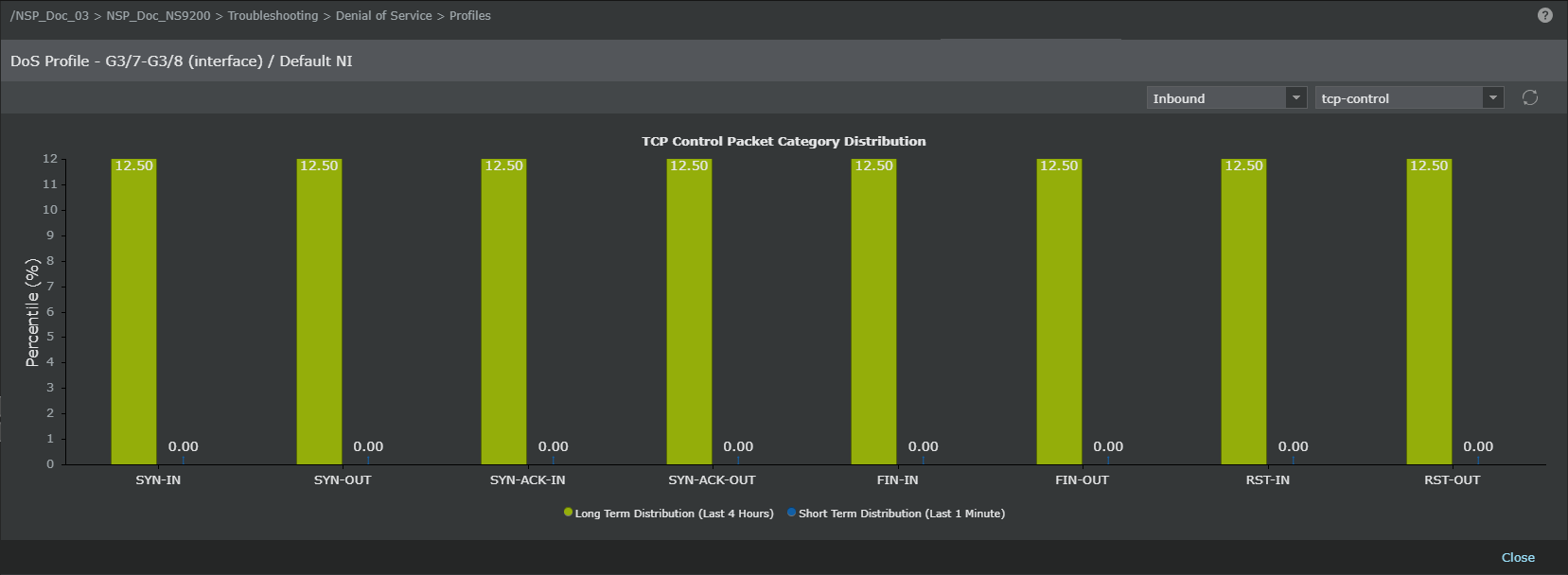
The DoS Profile page of an interface details the current status of DoS learning mode policies applied to an interface. DoS policy was inherited from the domain upon Sensor addition, but might have changed due to one of the following:
- Application of a different policy.
- Creation of one or more custom DoS IDs for an interface.
Note
At the Interface-x level, you cannot see status for DoS IDs created within a subinterface. The view at this level is strictly for the parent and direct child relationship. For more information on child DoS policies of a subinterface, refer to Viewing the applied DoS policies of a sub-interface section.
View DoS Profile 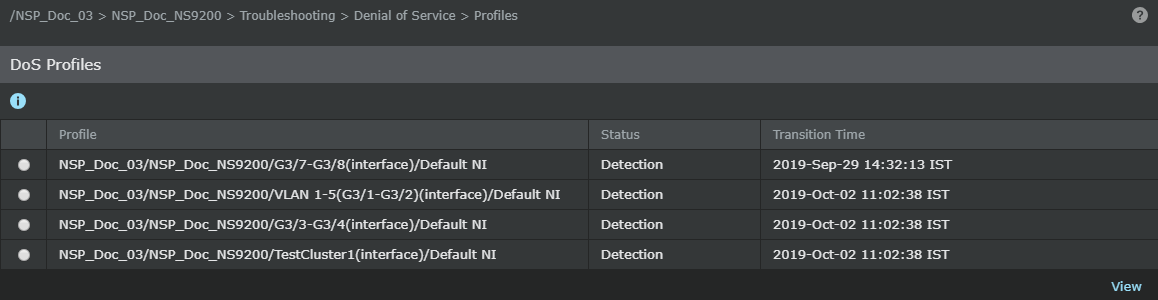
In the DoS learning mode, a profile is built over a 48-hour period to determine the normal traffic pattern. Once the initial learning is complete, the Sensor detects traffic that is outside of the normal parameters while continuing to take measurements of network traffic and adjusting the profile accordingly. Activity outside of the normal parameters raises an alert.
Task
- Click the Devices tab.
- Select the domain from the Domain drop-down list.
- In the left pane, click the Devices tab.
- Select the device from the Device drop-down list.
-
Select
Troubleshooting → Denial of Service → Profiles. The fields are as follows:
Option definitions Option Definition Profile The subinterface or VLAN/CIDR ID where a DoS profile was applied. Default NI refers to all traffic that is not a part of an interface subdivision, that is, subinterface, VLAN tag, or CIDR block. Status Lists whether the policy is currently learning the network behavior or actively detecting. Learning means the initial traffic profile is being created by determining a normal traffic baseline. This learning period requires 48 hours. Detection means the profile has finished the initial learning period and traffic checking for abnormal levels is in progress. Transition Time The exact time when the learning profile started analysis or when the active detection for the learning profile began. The Status field indicates which process is currently operating. -
Optionally, select a DoS ID and click
View to display rate data for the measures in the DoS profile applied to the selected DoS ID.
You can change the measure by toggling the direction and measure drop-down list. To return to the DoS Profiles page, click Close.
DoS Detection Status sub-tab