The Alerts > Alerts > Alerts page of a ADD Product Series appliance includes malware alerts (MVX-verified malware events), Web infection alerts, and associated callback activity. From this page, you can drill down to identify the alert types that are detected as malicious for a malware event.
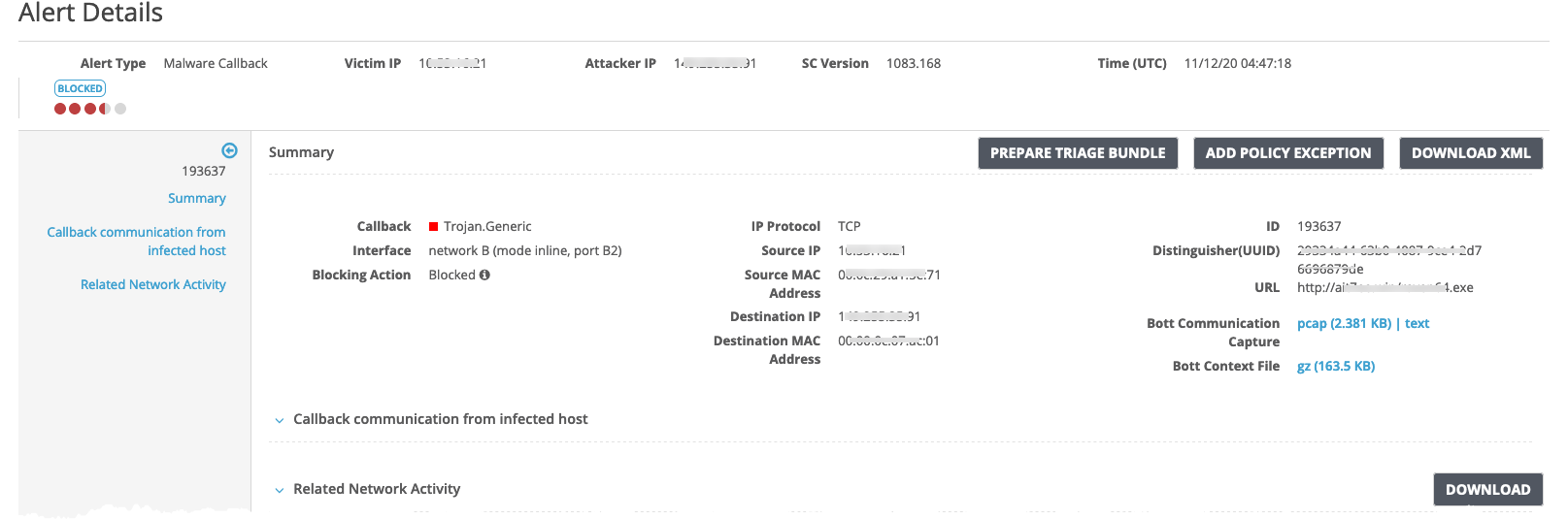
The following example displays the drill-down details of the event results table on the Alerts > Alerts > Alerts page for malware events that contain malicious objects.
To view FUME alerts:
In the Web UI, select Alerts > Alerts.
To display the details for an entry, click the name of the alert in the Alert Type column.