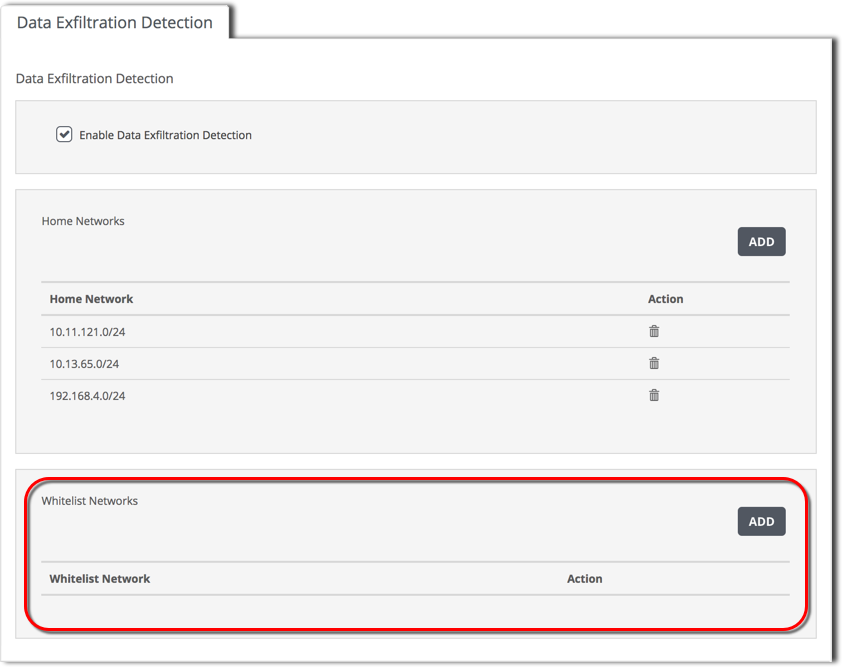
Use the Data Exfiltration Detection tab to view and manage the data exfiltration alerts whitelist. This whitelist specifies destination IPv4 addresses. The appliance does not generate data exfiltration alerts for data uploads to hosts or networks in the data exfiltration whitelist.
Prerequisites
To view the data exfiltration detection whitelist:
Click the Data Exfiltration Detection tab.
The Whitelist Networks panel contains the destination IP address
Enter the address range in classless inter-domain routing (CIDR) format.