Follow these steps to view the list of alert policy exceptions using the Web UI.
Prerequisites
Admin or Operator access to the appliance.
To view the list of alert policy exceptions:
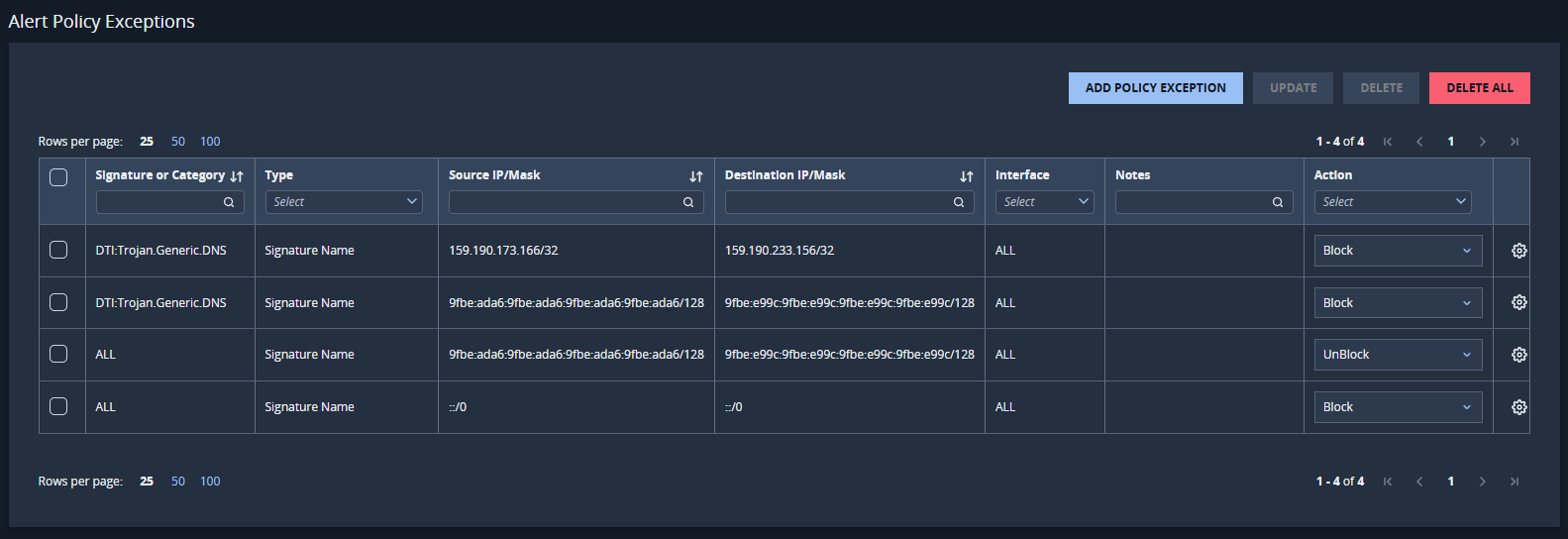
Choose Settings > Alert Policy Exceptions.
(Optional) Sort the list by clicking one of the following column headings:
Signature or Category
Source IP/Mask
Destination IP/Mask
Notes
(Optional) Filter the list on any column:
Signature or Category
Type
Source IP/Mask
Destination IP/Mask
Interface
Notes
Action
For more information, see Alert policy exception actions.