Use the SmartVision Alerts Configuration tab to view the alerts whitelist. Each entry in the list specifies a combination of conditions. If a SmartVision event matches all conditions specified by any entry in the whitelist, the appliance does not generate an alert for that event.
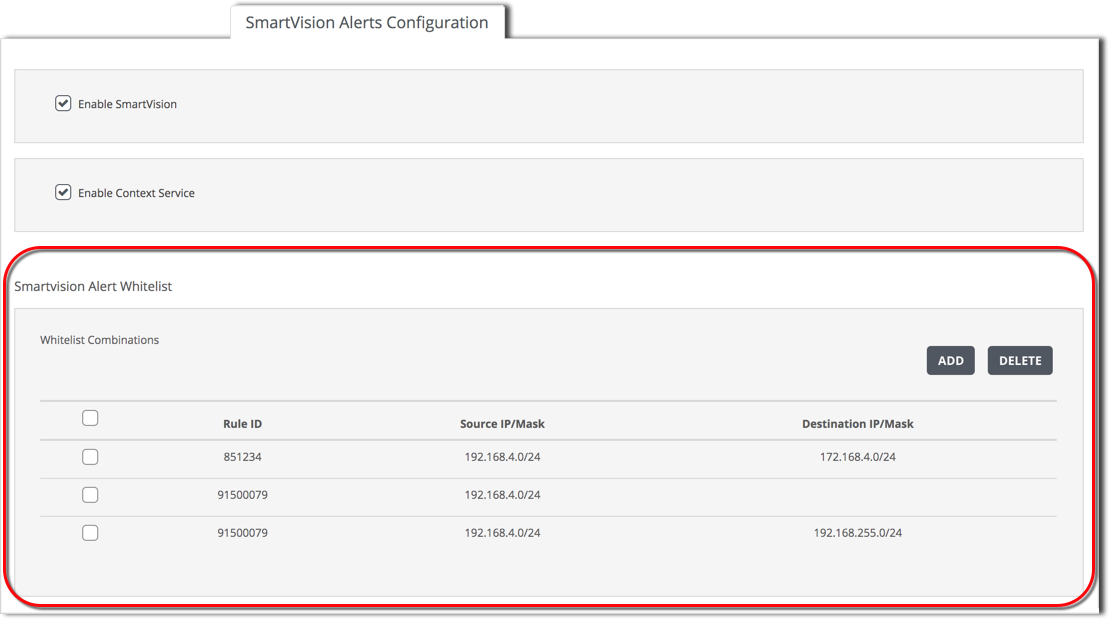
Each whiteslist entry specifies one or more of the following conditions:
Rule ID
A single SmartVision rule ID.
Source IP / Mask
A single IPv4 or IPv6 source address, specified in classless inter-domain routing CIDR format (<ipAddress>/<prefix>).
Destination IP / Mask
A single IPv4 or IPv6 destination address specified in CIDR format.
Prerequisites
To view the alerts whitelist:
Click SmartVision Alerts Configuration.
View the contents of the Alert Whitelist panel.