The new docs.trellix.com features a modernized UI and AI-powered conversational search. Content is currently available in English, with additional languages launching in early November 2026. We hope you enjoy the updated experience.

Enabling or disabling URL scanning using the Web UI

Prev Next

Use the Feature Settings area in the Email Policy Configuration page to enable or disable URL scanning using the Web UI.
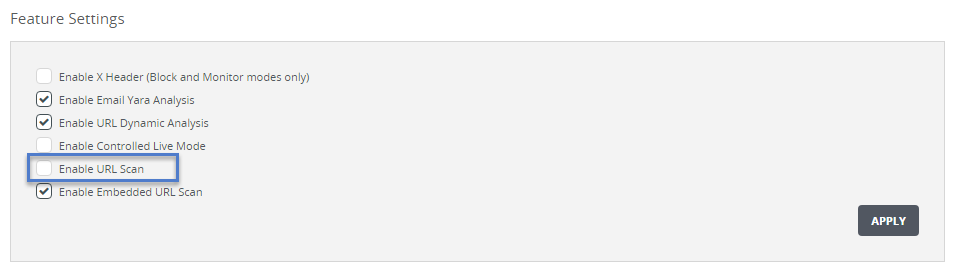
EX_FalsePositiveURLScan_scap.png
To enable URL scanning:
  1. In the Web UI, choose Settings > Email Policy.

  2. Select the Enable URL Scan checkbox.

  3. Click Apply.

To disable URL scanning:

EX_All_FeatureSettingsSuccess_scap.png
  1. In the Web UI, choose Settings > Email Policy.

  2. Clear the Enable URL Scan checkbox.

  3. Click Apply. The following message appears: