Use the Define protocol settings section on the HTTP tab of the Notification Settings page to configure default settings for HTTP notifications.
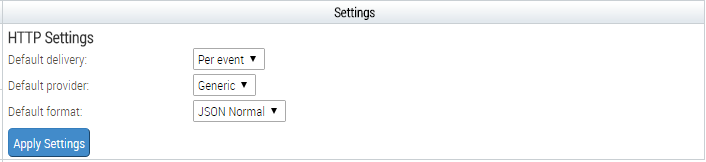
To configure HTTP settings:
Select Appliance Settings from the Admin menu.
Select Notifications on the side bar.
Click the HTTP link in the table header.
Select a service provider in the Default provider drop-down list box. The default service provider is Generic.
Note
Trellix recommends using the Generic service provider. Endpoint Security (HX) servers do not support Aruba.
Click Update.
Note
If you do not click Update, your changes are lost.