On an IPS-enabled platform, you can use the Web UI to manage custom IPS rules.
The IPS custom rules page
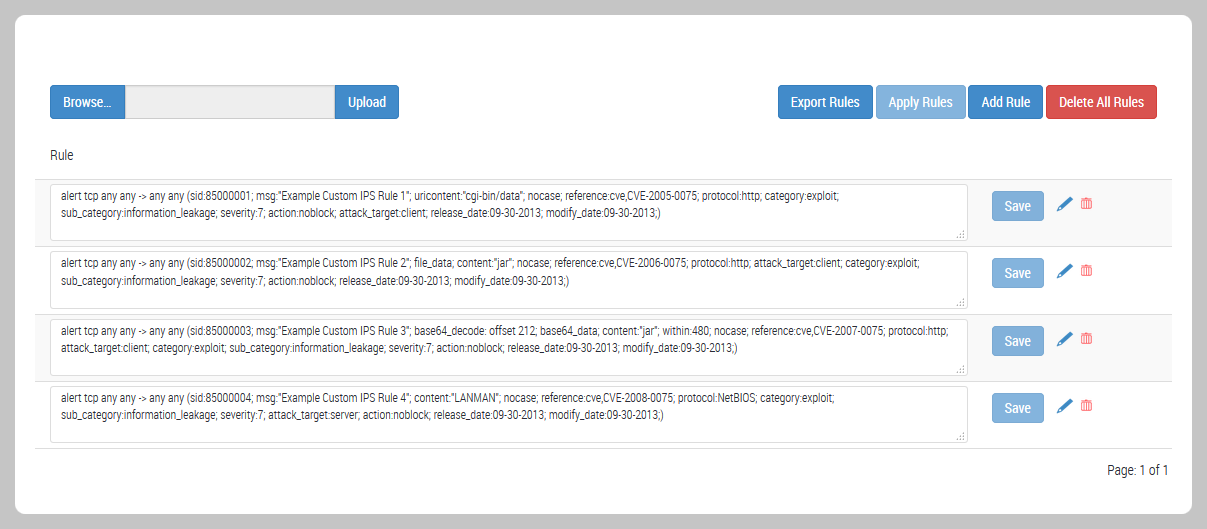
To access the IPS custom rules editor, click the IPS tab and then select Custom Rules. The page lists the custom IPS rules in the appliance IPS rules database. A new IPS-enabled platform has no custom IPS rules.
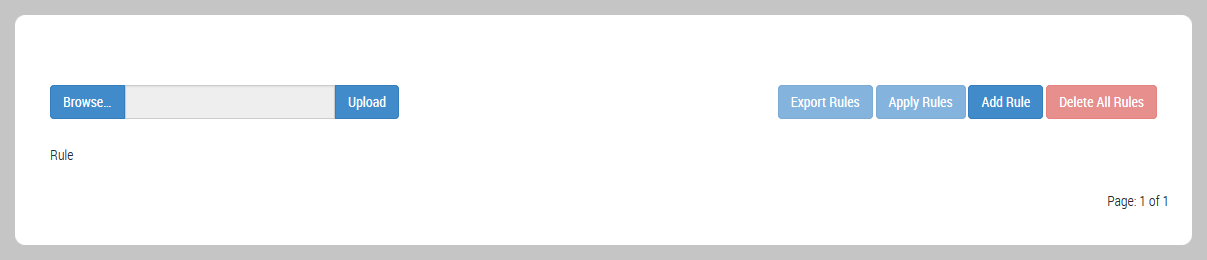
Use the IPS custom rules editor to upload, add, edit, delete, and export custom IPS rules.
How changes to the IPS rule database affect active interfaces
The Network Security appliance stores IPS rules in a local IPS rules database. Custom IPS rules are optional, and you can create and manage them using the IPS rules editor in the IPS Custom Rules page. Standard IPS rules are required, and you can downloaded them from the FireEye Dynamic Threat Intelligence (DTI) cloud. For more information about the DTI network, see the Network Security System Administration Guide.
IPS rules are activated on an appliance interface when you apply an IPS policy. If a rule that is active on an interface is updated, the new rule definition is not used on the interface until the IPS-enabled rules engine re-evaluates the policy against the rules database. Active policies are re-evaluated as follows:'
Standard IPS rules
If a standard IPS rule is active on an interface, changes to the rule definition in the database do not go into effect unless the Auto Add Rules option is enabled. For more information, see Managing auto-addition of new IPS rules to active interfaces.
Custom IPS rules
If a custom IPS rule is active on an interface, an added or changed rule definition in the database does not go into effect on the interface until you click and confirm Apply Rules in the IP > Custom Rules page. This behavior applies to uploading a rules file, adding a single rule or editing a single rule.
If a custom IPS rule is active on an interface, removing a rule definition from the database removes the rule at the interface as soon as you click and confirm Save.
Note
The Auto Add Rules option does not apply to custom IPS rules. The option applies to IPS rules that are provided by Trellix through security content downloads.