To upload the license, perform the following steps:
Task
- Go to Manager → <Admin Domain Name> → Setup → Licenses.
- Click the System tab.
-
Click
 .
The Add License pop-up window opens.
.
The Add License pop-up window opens. -
Click
Browse.
Navigate to the location where the license is saved. Select the license and click Open.
Note
The supported license formats are .zip and .jar.
Note
It is recommended to add subscription license from Manager version 10.1.7.44 and later.
Upload license to the Manager 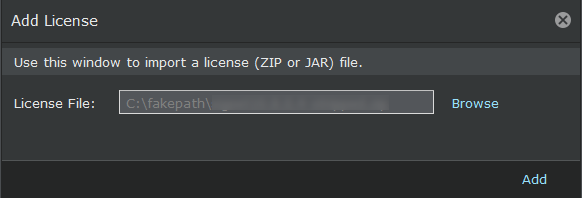
-
Click
Add.
The license is uploaded to the Manager.
- (Optional) Click Save as CSV to export the license usage details as .csv file.