After you define a Connection Limiting policy at the admin domain, you can assign it to an interface or subinterface.
Task
- Click the Policy tab.
- Select the domain from the Domain drop-down list.
-
Select
Intrusion Prevention → Policy Manager.
-
Double-click on the interface to which you want to assign a connection limiting policy.
The <Device Name/Interface> panel opens on the right side.
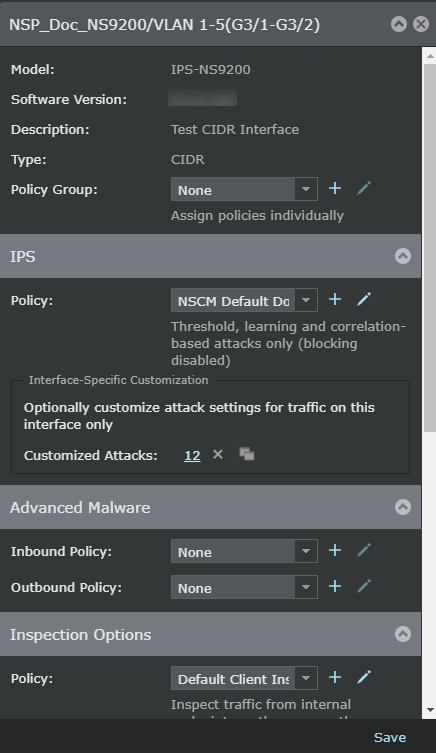
- Under the Connection Limiting section, select the policy from the Policy drop down list.
- Click Save.
- Deploy the configuration changes to the Sensor.