To change the active certificate for a Sensor, perform the following steps:
Task
- Go to Devices → <Root Admin Domain> → Devices → <Device Name> → Setup → Certificates.
-
In the
Certificate Status section, click
Change Active Certificate
drop down.
.png)
- Select the certificate (self-signed or CA-signed) based on your requirement.
-
Click
OK to confirm.
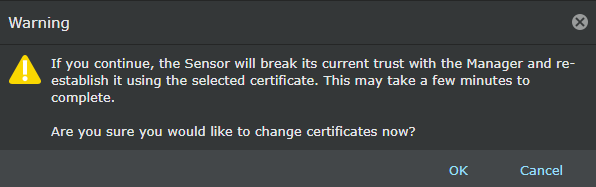
-
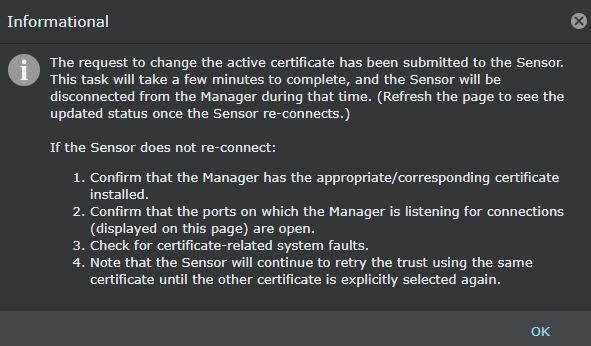
Click
OK to change the active certificate.
Note
If your Manager is part of an MDR pair, you can change the certificate from self-signed to CA-signed or vice versa only for the primary (active) Manager.