To delete a stack of Sensors from the Manager, perform the following steps:
Task
-
Go to
Devices → <Admin Domain Name> → Global → Device Manager → Stacks page.
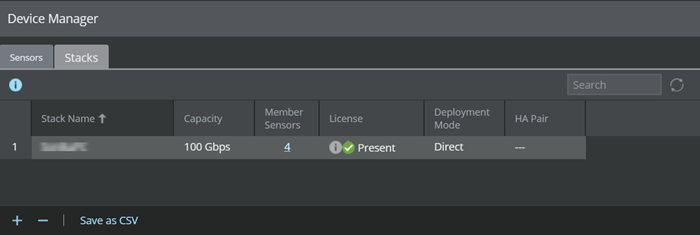
- Select the stack that you want to delete.
-
Click
.png) .
You will be prompted to confirm the deletion.
.
You will be prompted to confirm the deletion. -
Click
OK.
The selected stack is removed from the Manager.