Follow these steps to delete all port mirroring on one or more Network Security monitoring interface pairs using the Network Security appliance Web UI.
To delete all port mirroring settings from an interface:
In the Web UI, choose Settings > Port Mirroring.
In the table, select one or more monitoring interface pairs from which to delete port mirroring.
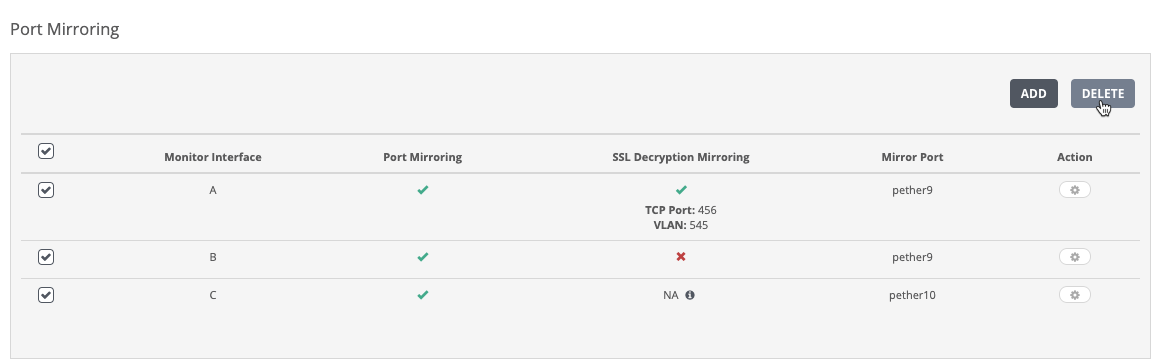
Click Delete. A confirmation dialog box appears.
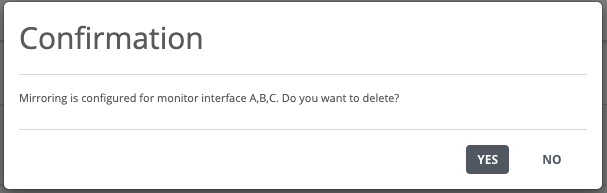
Click Yes to confirm that you want to delete mirroring from the selected monitoring interface pairs.
The monitoring interface pairs are deleted from the port mirroring configuration. A confirmation message appears: