Use the CIDR Policy Rules Configuration area in the SSL Intercept Settings page to delete all the rules from a network policy that are based on the destination IPv4 or IPv6 address, source IPv4 or IPv6 address, or mask.
To delete all the rules from a network policy:
In the Web UI, choose Settings > SSL Intercept.
Click CIDR Policy Rules Configuration (optional).
In the table, click Delete All.
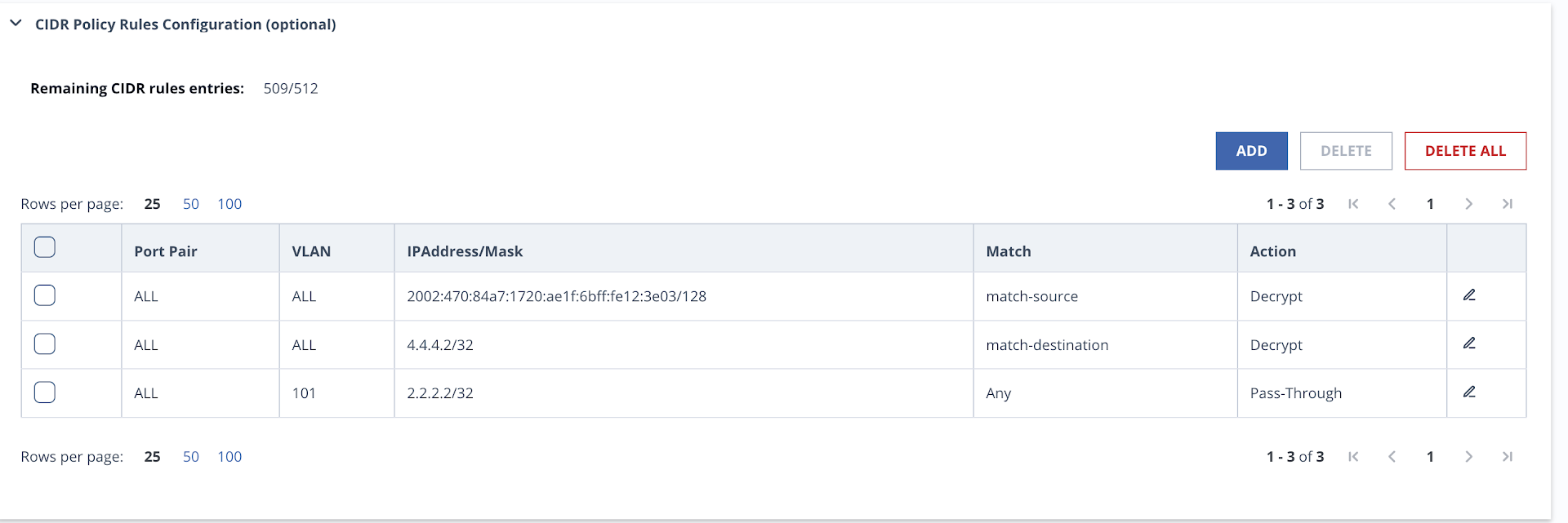
A confirmation dialog box appears.
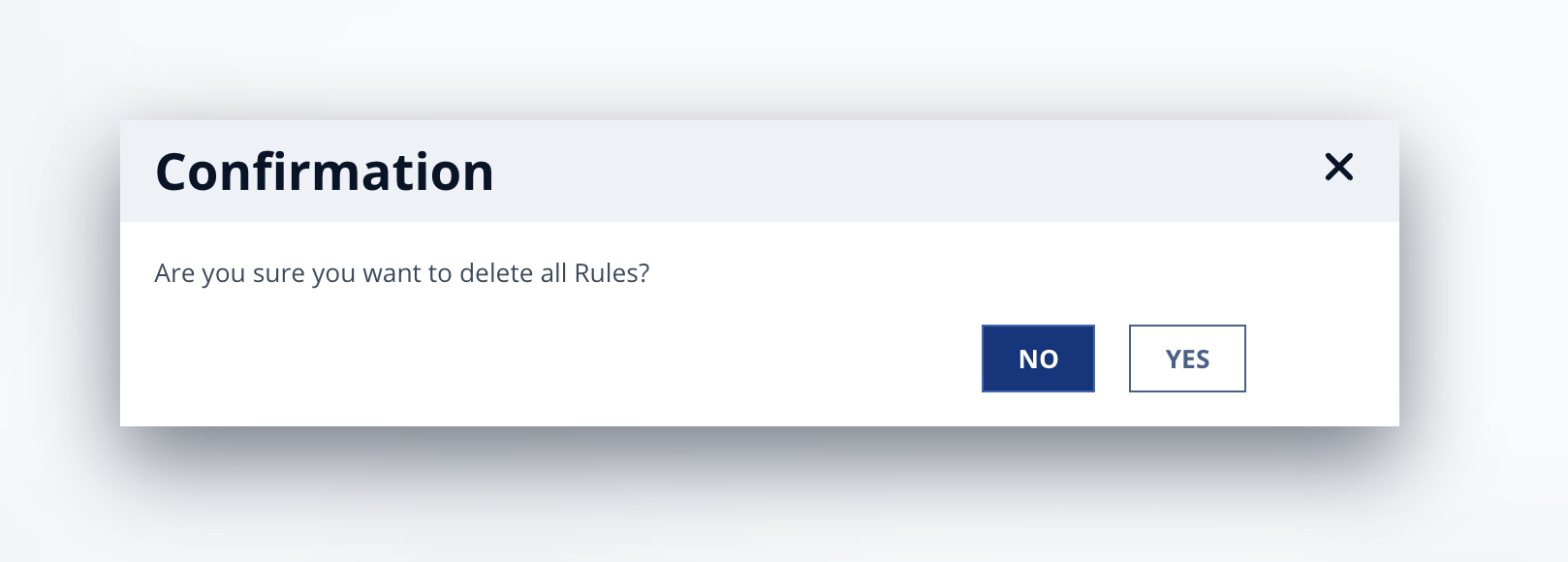
Click Yes to confirm that you want to delete all the rules from the network policy.
The rules are deleted from the network policy. The following message appears:
