Follow these steps to delete all of the default event filter rules from the configuration. You can also restore the event filter rules to the default filter values.
To delete all of the default event filter rules from the configuration:
In the Web UI, choose Settings > Evidence Collector.
Click Event Filters.
Click Default Filters.
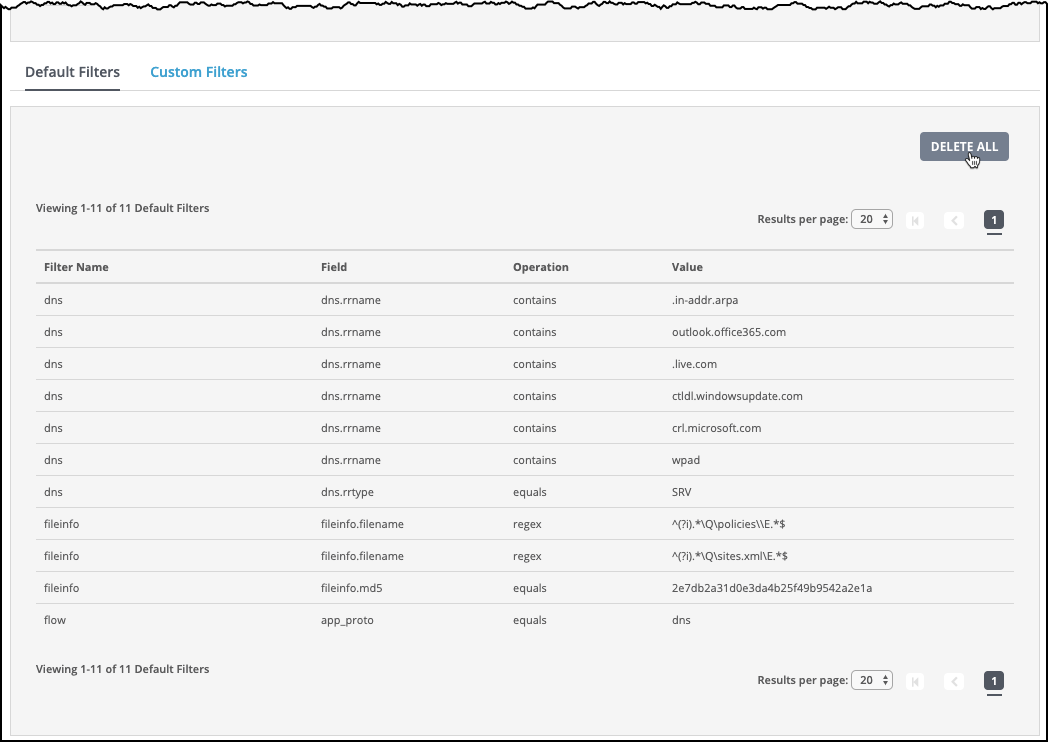
Click Delete All. A confirmation dialog box appears.
Click Yes to confirm that you want to delete all of the default event filters from the configuration.
The following message appears:

To restore the default event filter rules:
In the Web UI, choose Settings > Evidence Collector.
Click Event Filters.
Click Default Filters.
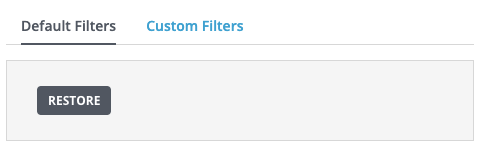
In the Default Filters area, click Restore.
The event filter rules are restored to the default filter values.
The following message appears:
