Follow these steps to enable or disable the Network Security appliance to drop all the events. No events will be sent to Helix or to the Splunk Enterprise server for further analysis.
To enable the appliance to drop all the events:
In the Web UI, choose Settings > Evidence Collector.
Click Event Filters.
In the Drop All Events area, click the Drop All Events toggle button to stop sending the events to Helix or to the Splunk Enterprise server.
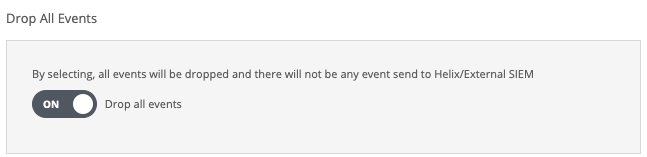
The following message appears:
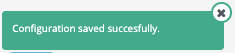
To disable the appliance from dropping all the events:
In the Web UI, choose Settings > Evidence Collector.
Click Event Filters.
In the Drop All Events area, click the Drop All Events toggle button to start sending the events to Helix or to the Splunk Enterprise server.
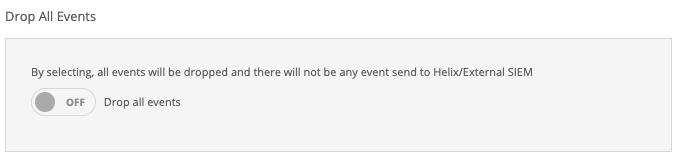
The following message appears: