Follow these steps to delete a policy configuration rule from a network whitelist on the appliance using the Web UI.
Prerequisites
Administrator or Operator access to the Network Security appliance
You have added one or more rules to a network whitelist on the Network Security appliance. For details about how to add network whitelist rules, see Adding rules to a network whitelist using the Web UI.
In the Web UI, choose Settings > Whitelists.
The page lists the network whitelist rules that have already been added.
In the table, select the checkbox next to the rule you want to delete. You can select multiple entries at one time.
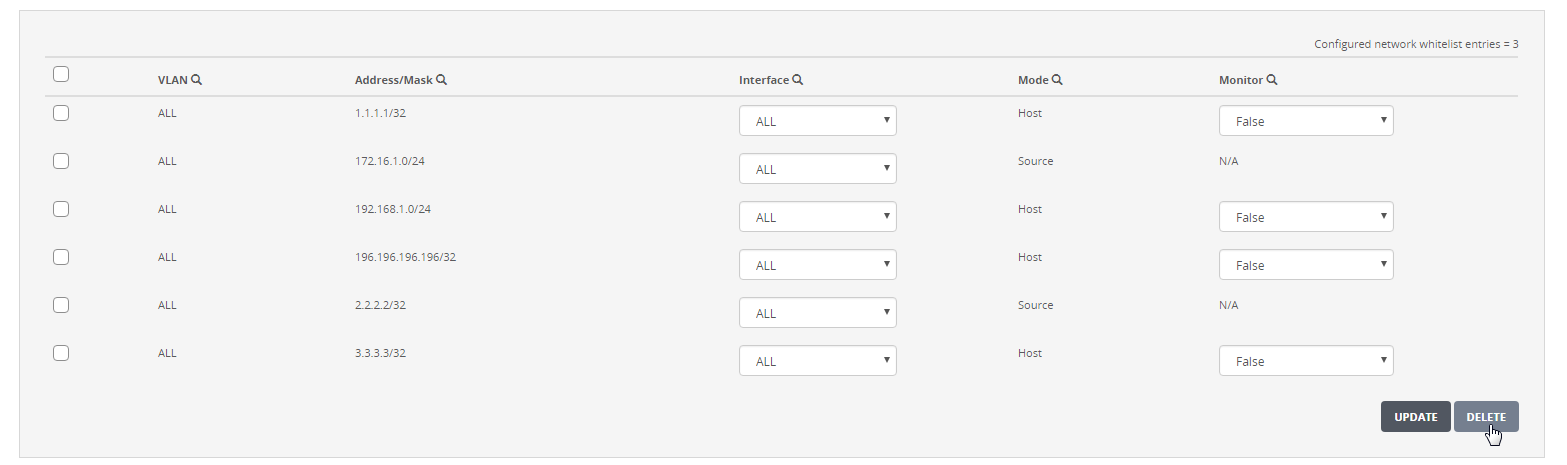
Click Delete. A dialog box prompts you to confirm your changes.
Click Yes.
The whitelist rule is removed from the table. The following message appears:

Close the message.