Some users manage devices that are connected to the Manager across very low bandwidth links such as dial-up links. In addition to the low bandwidth, these links may also be intermittent and may corrupt a large file being downloaded. To alleviate this issue, the Manager provides an option to generate and store the signature set file and/or software update files for the device on a CD is provided. Users can ship the CD to the remote location and then use a TFTP server to transfer the file onto the device.
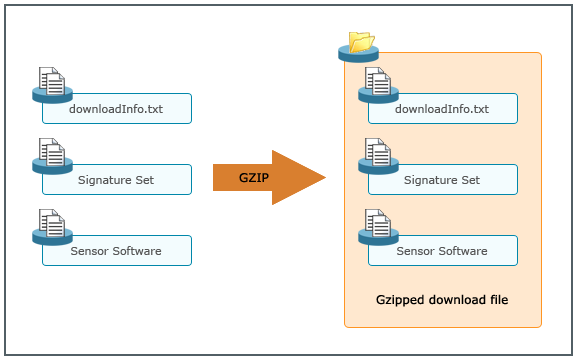
The update files are encrypted using a symmetric key cipher. The download consists of the encrypted signature set and/or image file and a meta information file that contains the details of the download created. These three files are zipped together to create a download file that can be saved on CD and later be uploaded to the device via TFTP. This is illustrated as follows: