Before you begin
- Trellix IPS Manager registered with Trellix ePO - SaaS
- Telemetry enabled in the Manager to add the following data to the
Trellix Insights:
- Alert data Details
- General setup
- Feature usage
To enable Trellix Insights integration, perform the following steps:
Task
-
In the Manager, navigate to
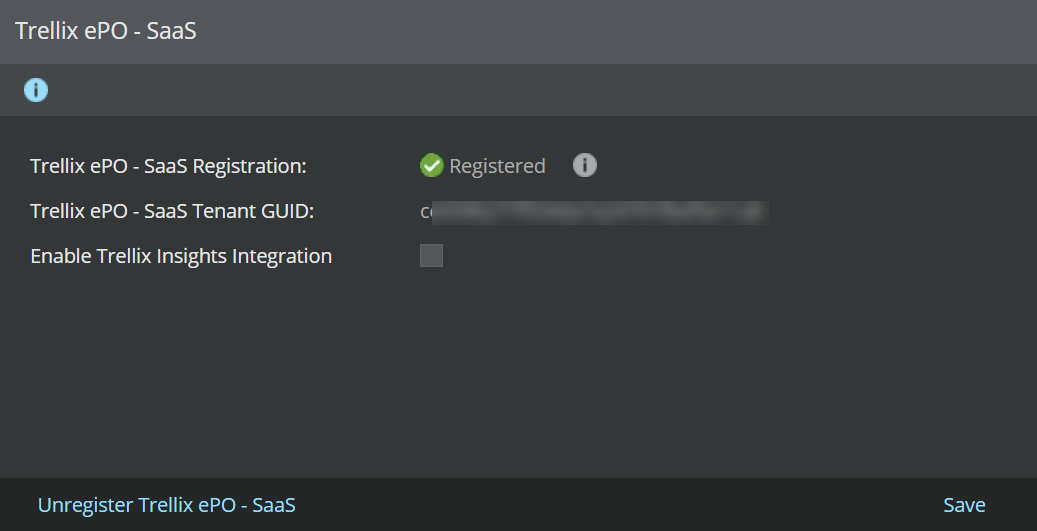
Manager → <Admin Domain Name> → Integration → Trellix ePO - SaaS.
The Trellix ePO - SaaS page is displayed.
-
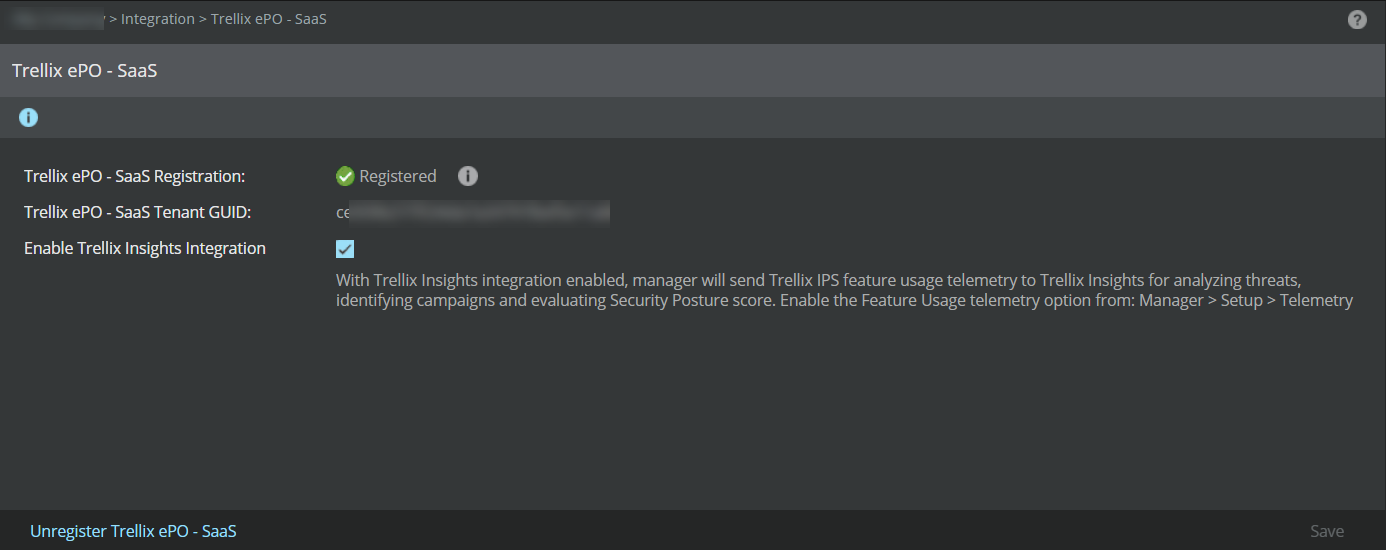
To enable the
Trellix Insights integration, select the
Enable Trellix Insights Integration checkbox and click
Save.
Note
Trellix IPS integration with Trellix Insights takes 24 hours to reflect the feature usage telemetry data from the Manager in the Trellix Insights web console.
-
In the
Default - Telemetry (Insights Security Posture) report, the
General Setup and
Feature Usage sections list the
Trellix IPS data shared with
Trellix Insights. To view the data shared to Insights, go to
Analysis → <Admin Domain Name> → Event Reporting → Next Generation Reports and run
Default - Telemetry (Insights Security Posture) report.
Note
The General Setup and Feature Usage options in the telemetry page should be enabled when Trellix Insights integration is enabled in the Manager.