In the Settings > Whitelist Categories (optional) area in the SSL Intercept Settings page, you can enable or disable the ADD Product Series appliance to whitelist uncategorized third-party URLs for SSL interception using the Web UI.
To enable the appliance to whitelist uncategorized URLs for SSL interception:
In the Web UI, choose Settings > SSL Intercept.
Click Whitelist Categories (optional).
In the Uncategorized URLs area, select the Whitelist Uncategorized URLs checkbox to enable the ADD Product Series appliance to exclude the uncategorized third-party URLs from decryption.
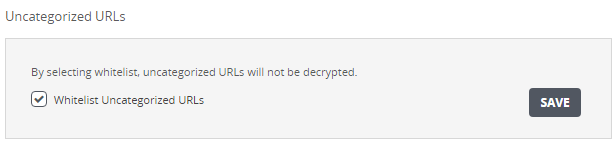
The following message appears:

To prevent the appliance from whitelisting uncategorized URLs for SSL interception: