Use this file to discover all available pages before exploring further.
The new docs.trellix.com features a modernized UI and AI-powered conversational search. Content is currently available in English, with additional languages launching in early November 2026. We hope you enjoy the updated experience.
After you have imported the list, you can move some or all of the hashes from one list to another.
Note
If a hash is part of both allow list and block list, the one in the allow list takes precedence.
Task
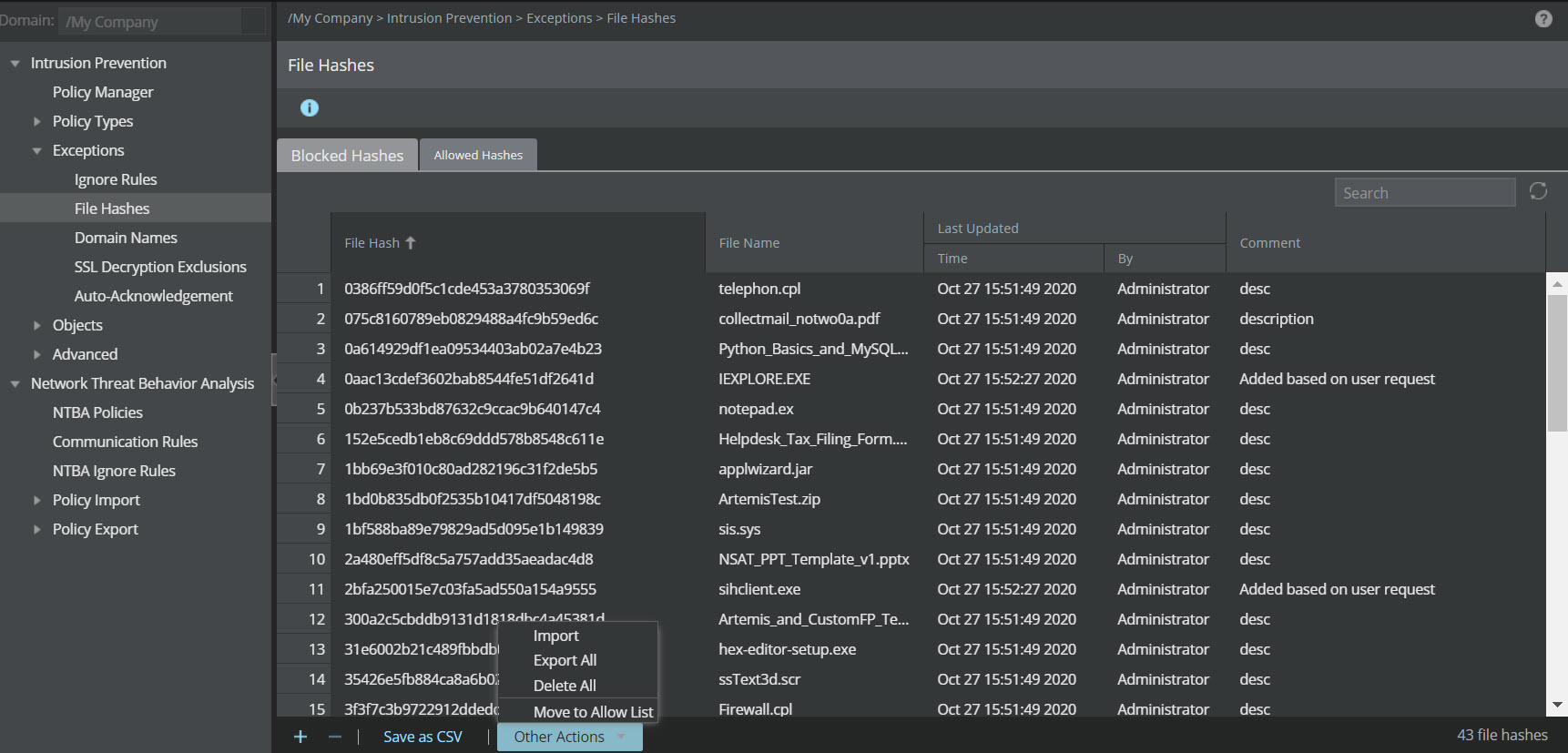
Select an entry that you want to move. To select multiple entries, hold the SHIFT key while selecting.
From the
Other Actions drop-down list, select
Move to Allow List.
Moving a selected hash to the allow list The selected entry is moved to the corresponding list that you have chosen. A message that the action is successful is displayed on top of the page.