On the
Analysis tab, click
<Domain Name> → Threat Explorer. Select
 to go to Attack Log to analyze and view the alerts.
When you click View Attacks, it opens the Attack Log page. This page shows the specific details of the selected attribute in the specific top N table. This page shows the alerts of the selected attribute according to the time duration set in Threat Explorer.
When no attribute is selected, clicking opens up a filter that loads all alerts generated within the time duration and direction set in Threat Explorer.
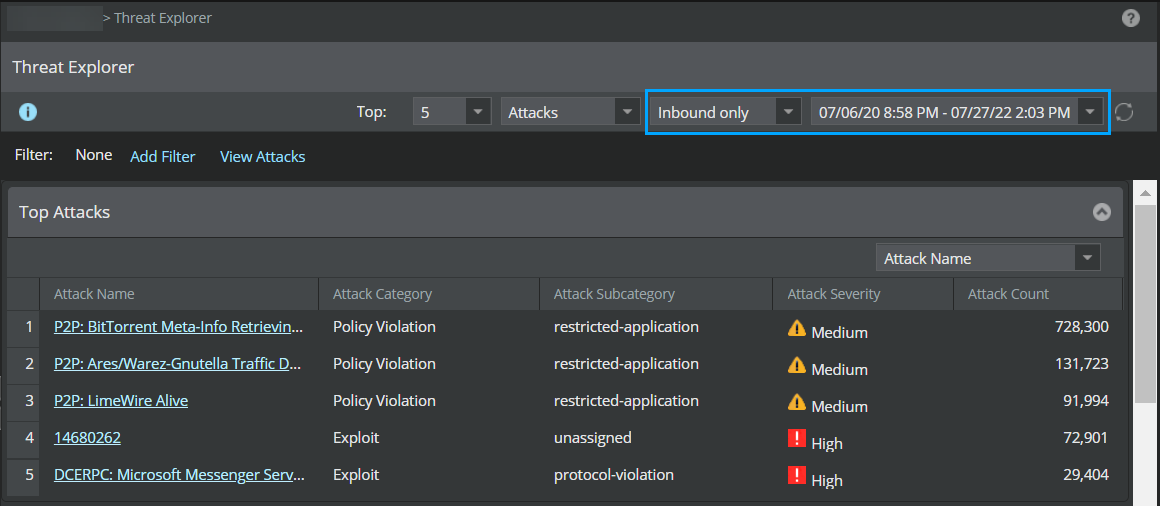
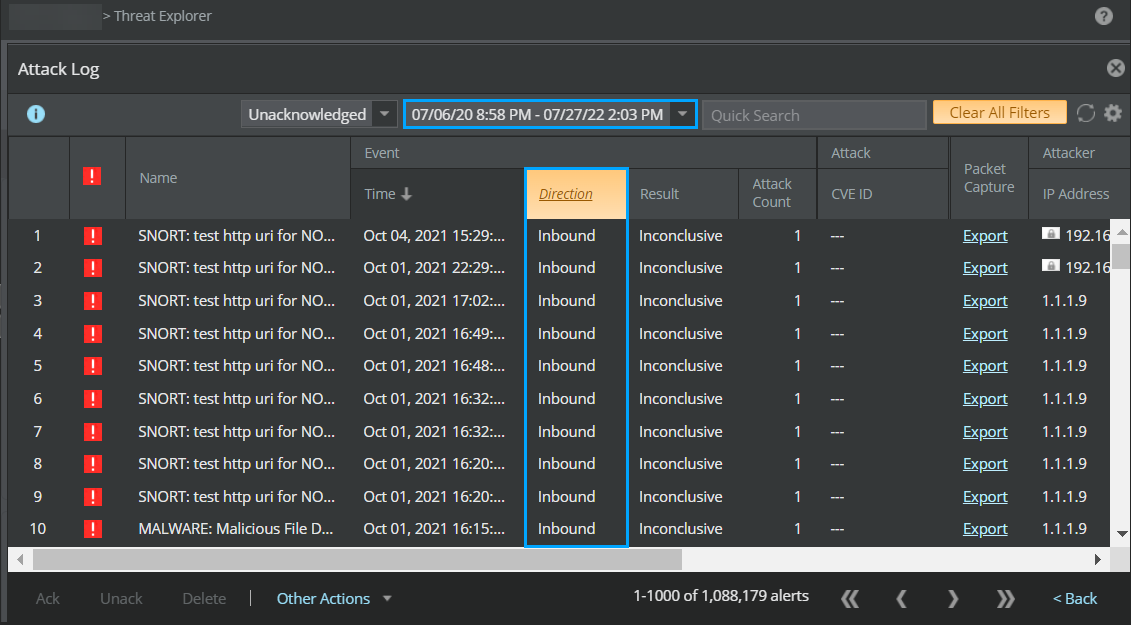
You can also apply multiple filters in threat explorer and view attacks in attack log.
Click
Back or
.png) icon to close the
Attack Log page.
icon to close the
Attack Log page.