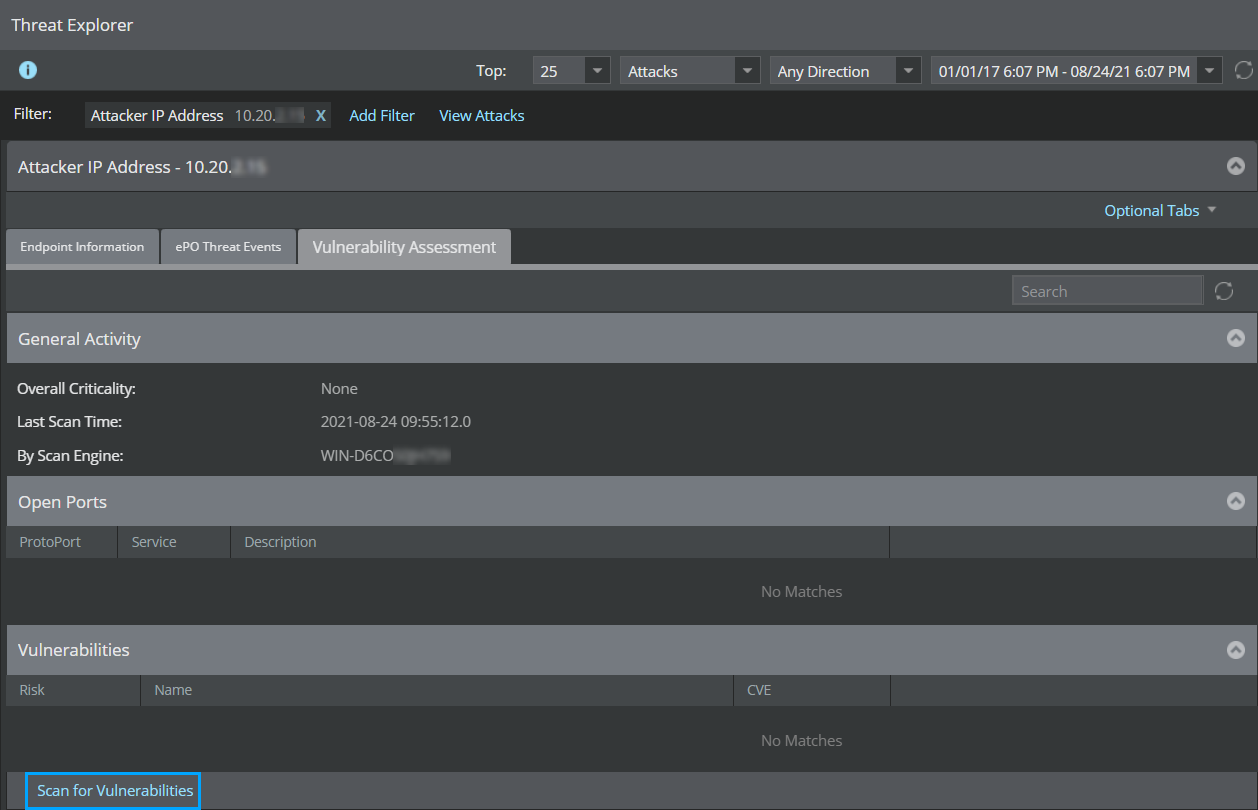
For the host that has already been scanned using Vulnerability Manager Scan engine, the Asset Details are returned by the Vulnerability Manager. If the Vulnerability Manager fails to return the data, you can initiate a scan for that IP address from the Threat Explorer.
Follow this procedure to initiate a scan from the Threat Explorer
Task
-
In the Manager, navigate to
Analysis → <Admin Domain Name> → Threat Explorer.
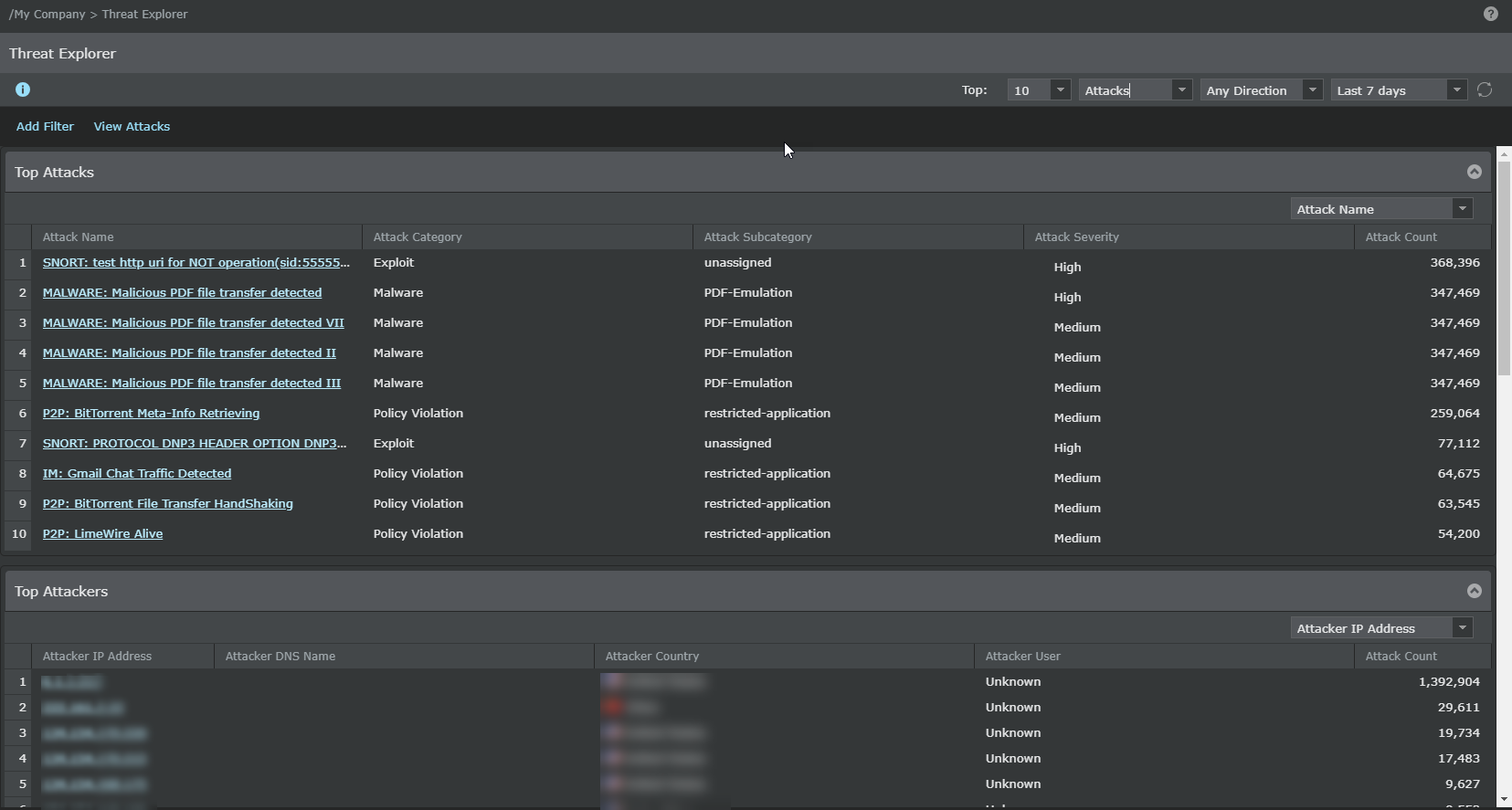
The Top Attacks page is displayed.
-
Click
Add Filter.
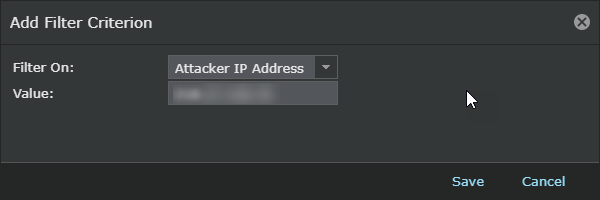
The Add Filter Criterion dialog is displayed.
-
Select
Attacker IP Address in the
Filter On: field, enter the attacker IP address in the Value field and click
Save
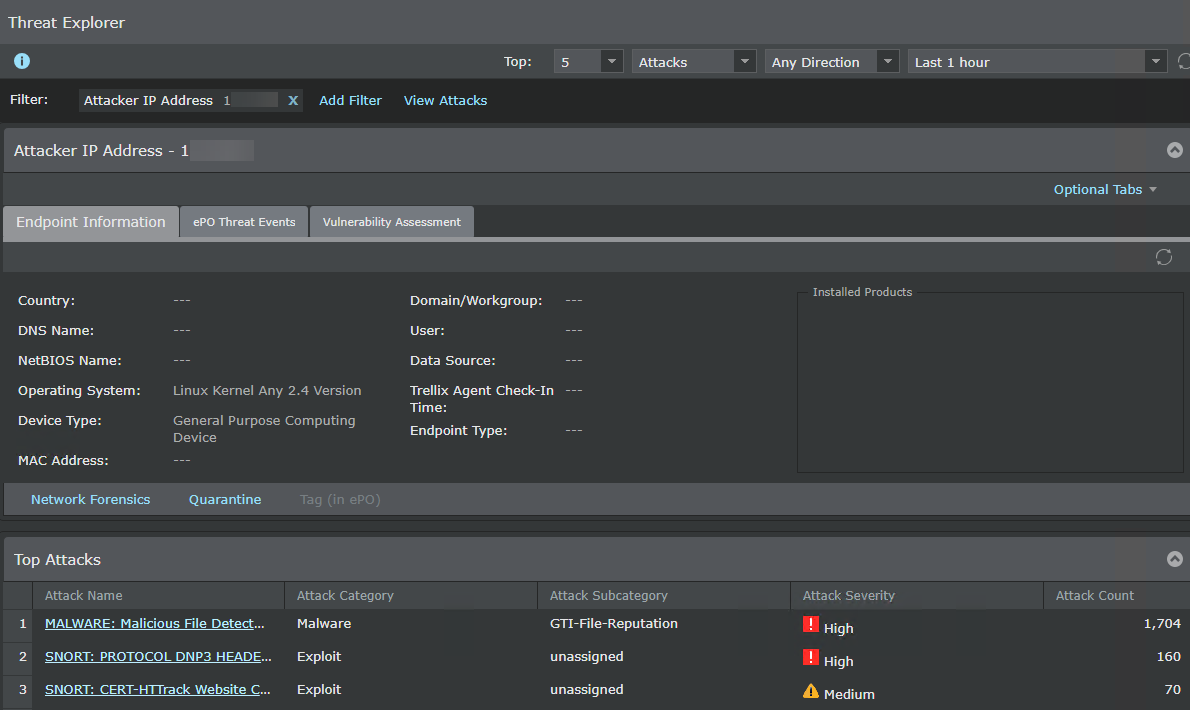
If the attacker IP has already been scanned, the scan results are displayed.
-
If the attacker IP has not been scanned, click
Scan for Vulnerabilities to scan the attacker IP address and view the results.