Note
You can remove or insert a 100 Gigabit Active Fail-Open module into one of its slots even when the chassis is powered up. However, a system (chassis) reboot is required to make the module active.
Go to System → Reboot/Halt/Reset.
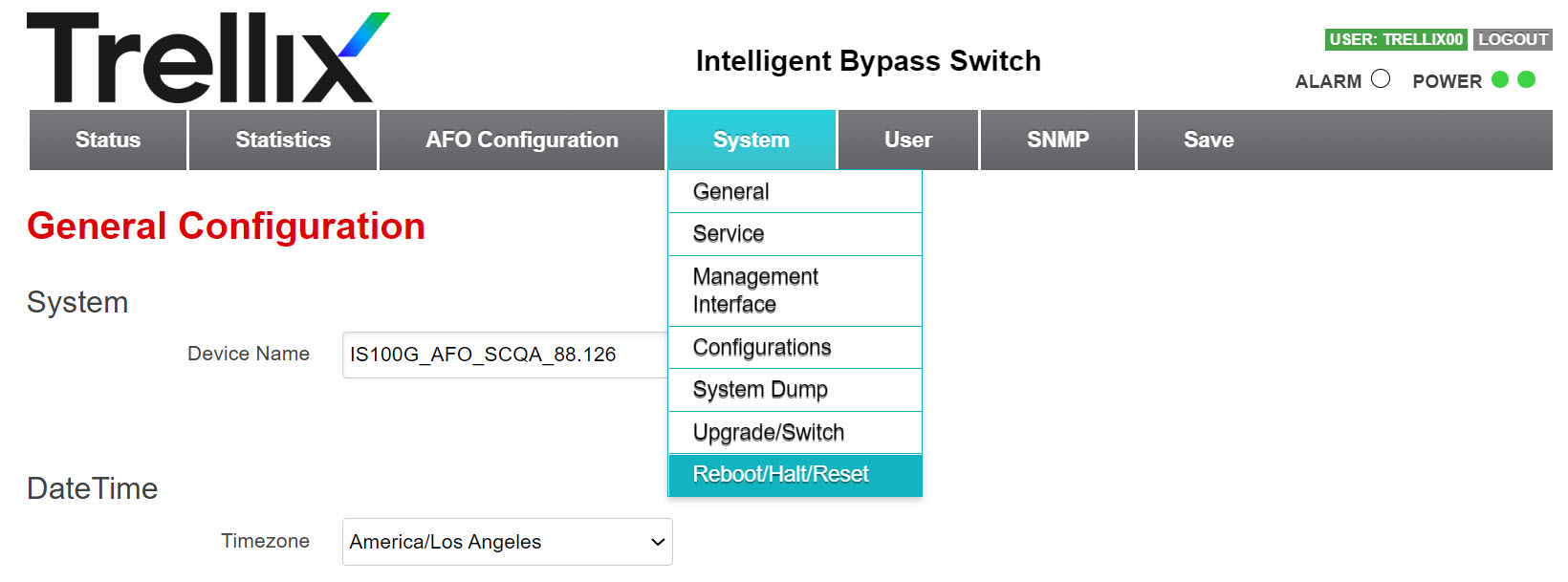
Refer to the following steps to reboot the device, halt and remove the device, or reset the device to factory defaults.
Steps:
To reboot the device, click Reboot.
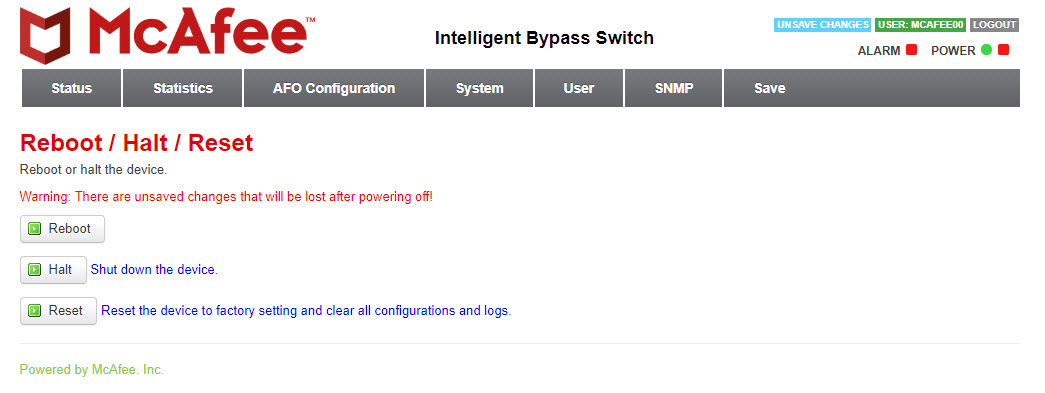
To shut down the device, click Halt.
The device shuts down. When the Fail-Open module is powered off, remove the captive screws and slide it out of the chassis.
Note
The chassis can be powered up again only by pressing the power button in front of the chassis.
To reset the device, click Reset.
It resets the device to default parameters.
Note
You have to reconfigure the network settings for SSH or HTTPS connectivity.