To remove a license, perform the following steps:
Go to Manager → <Admin Domain Name> → Setup → Licenses.
Click the Virtual Sensors tab.
Select the license you wish to remove.
Click
 .Remove a license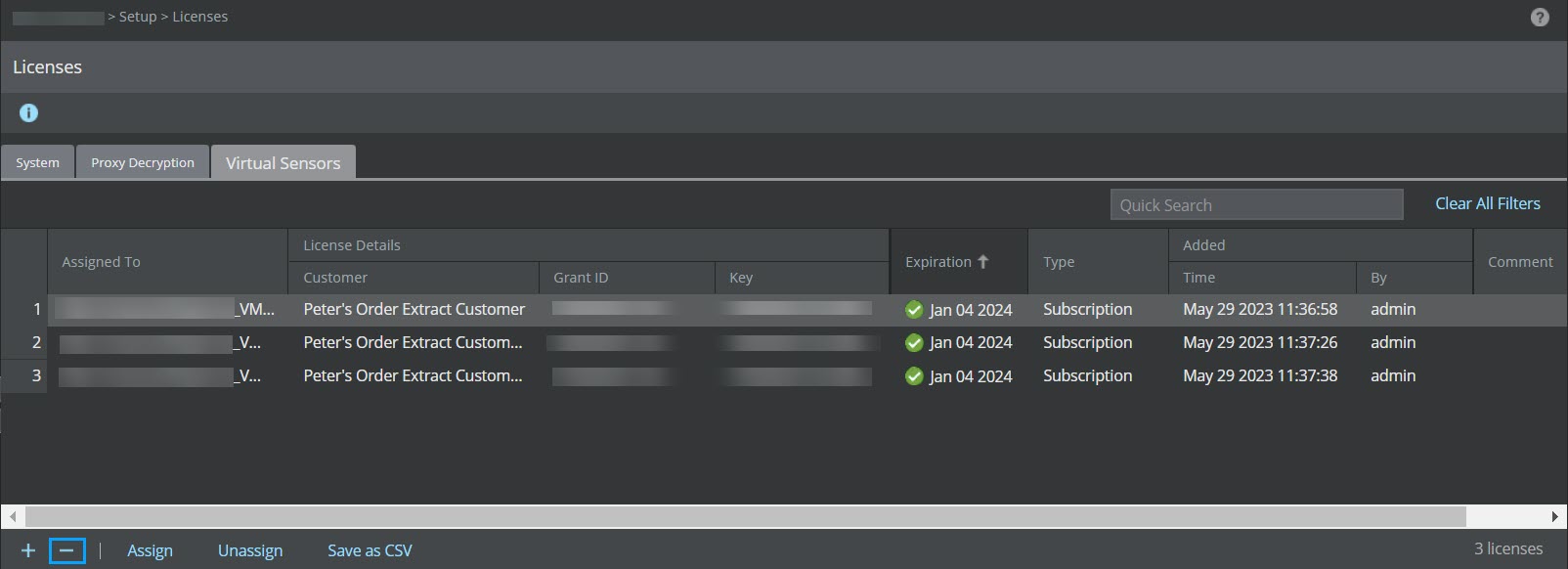
A Warning dialog box is displayed. Click Ok.
Warning dialog box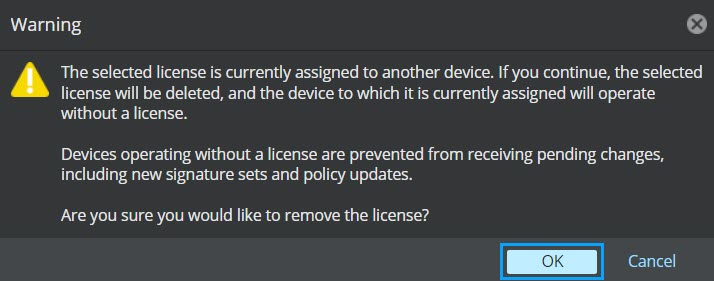
Note
Once a license is removed from the Manager, you will not be able to deploy pending changes, update new signature sets and policy update to the Sensor from which the license is unassigned automatically upon deletion of the license.