The new docs.trellix.com features a modernized UI and AI-powered conversational search. Content is currently available in English, with additional languages launching in early November 2026. We hope you enjoy the updated experience.

Shut down using the Control Panel in the Windows based Manager
Prev Next

Task

  1. Go to Start → Settings → Control Panel.
  2. Open Administrative Tools.
  3. Open Services.
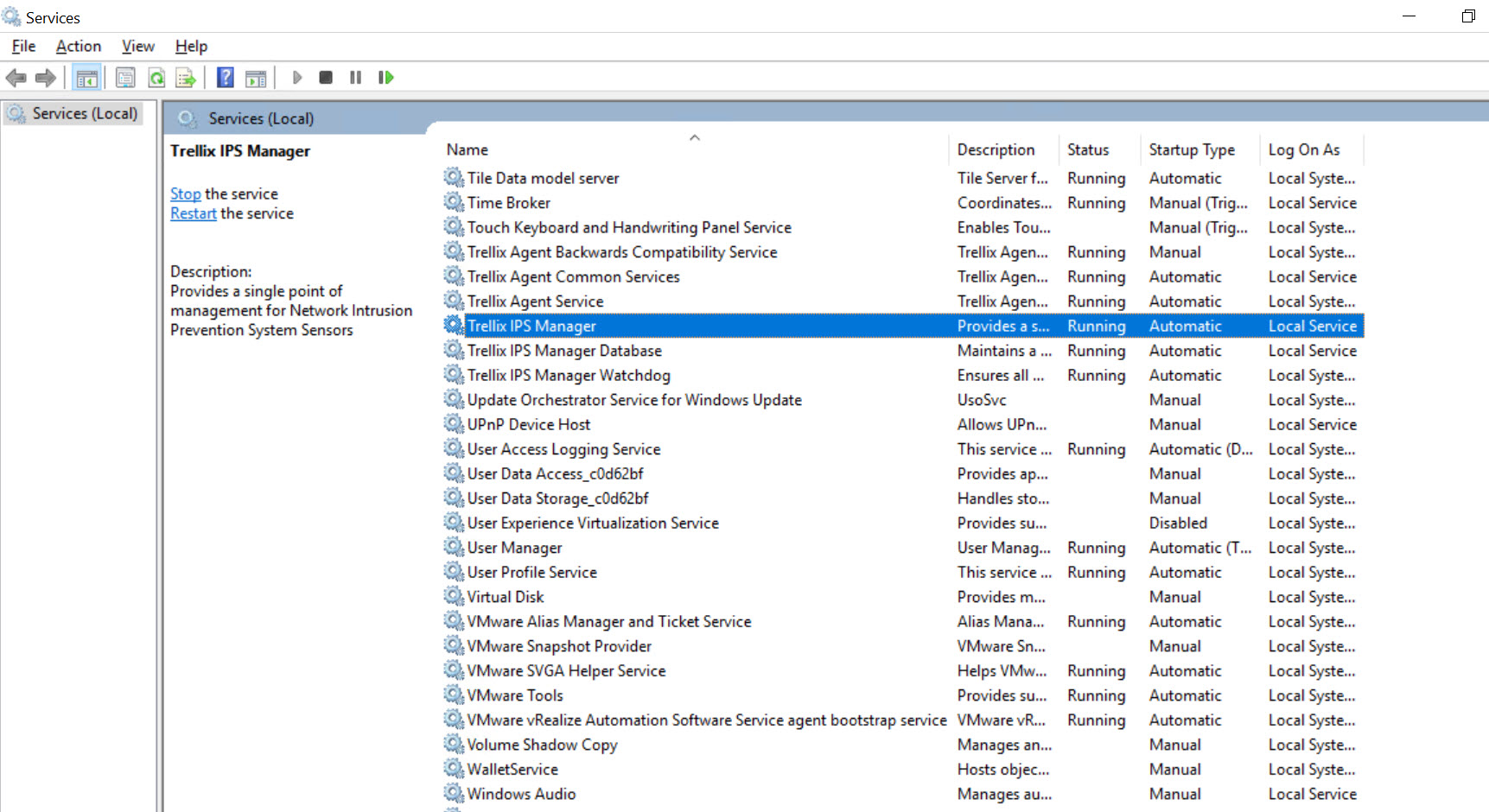
  4. Select Trellix IPS Manager Service or Trellix IPS Central Manager Service in the services list under the Name column.
  5. Click the Stop Service button.
    Once this service is completely stopped, continue to the next step.
    Stop Service option

    nms_services_mgr
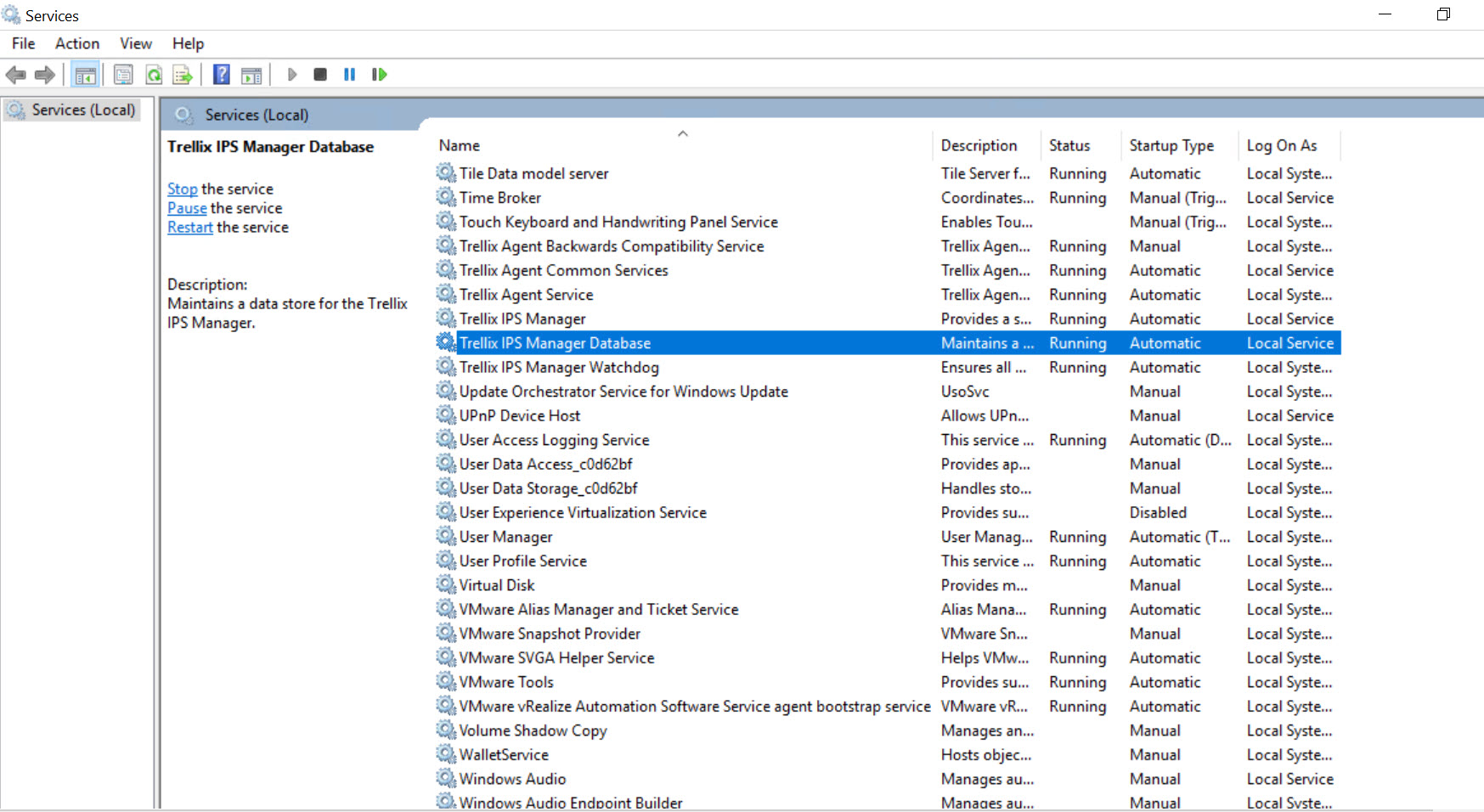
  6. Find and select Trellix IPS Manager Database or Trellix IPS Central Manager Database in the services list under the "Name" column.
  7. Click the Stop Service button. Once this service is completely stopped, continue to the next step.
    Service window

    ch02_03
  8. You can now safely shut down/reboot your server.