Task
-
Right-click the Manager/Central Manager icon in your System Tray. The
Trellix icon is displayed.
Trellix IPS Manager Service 
-
Select
Stop Manager or Stop Central Manager. Once this service is completely stopped, continue to the next step.
Stop Central Manager Service option 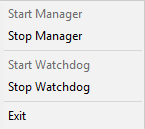
- Go to Start → Settings → Control Panel.
- Open Administrative Tools.
- Open Services.
- Find and select Trellix IPS Manager Database or Trellix IPS Central Manager Database in the services list under the "Name" column.
-
Click the
Stop Service button. Once this service is completely stopped, continue to the next step.
Stop Service option 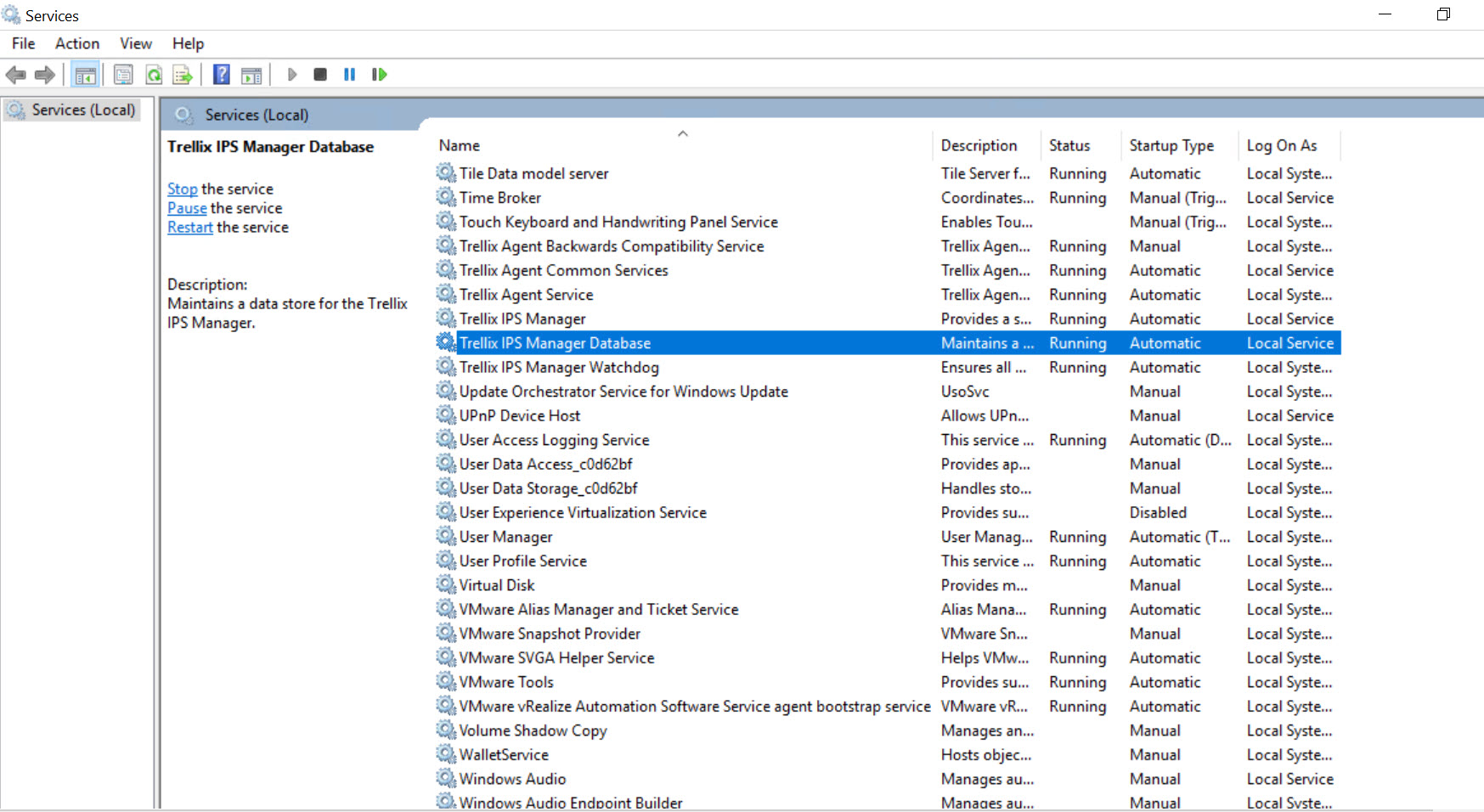
- You can now safely shut down/reboot your server.