A TCP reset is a network response that disconnects an established TCP transmission. The Terminate Connection option shuts down an attack from a malicious source, ends a transmission to a vulnerable destination, or drops both ends of a source-to-destination transmission.
Note
Sending a TCP reset applies only to TCP protocol-based attacks. If a Sensor is in inline mode, it will drop all further packets instead of sending TCP resets.
Note
Terminate Connection is not applicable for the Central Manager.
Task
- Navigate to Analysis → <Admin Domain Name> → Attack Log.
- Select the TCP-based attack instance.
-
Click
Other Actions, and select
Terminate Connection.
A confirmation window opens.
Terminate connection 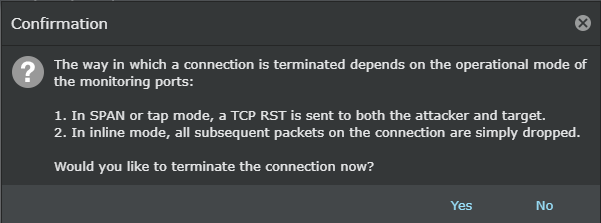
-
Select
Yes to terminate the connection.
The connection is terminated by sending a message to the device.