To unassign the license, perform the following steps:
Go to Manager → <Admin Domain Name> → Setup → Licenses.
Click the System tab.
Select the license you wish to unassign.
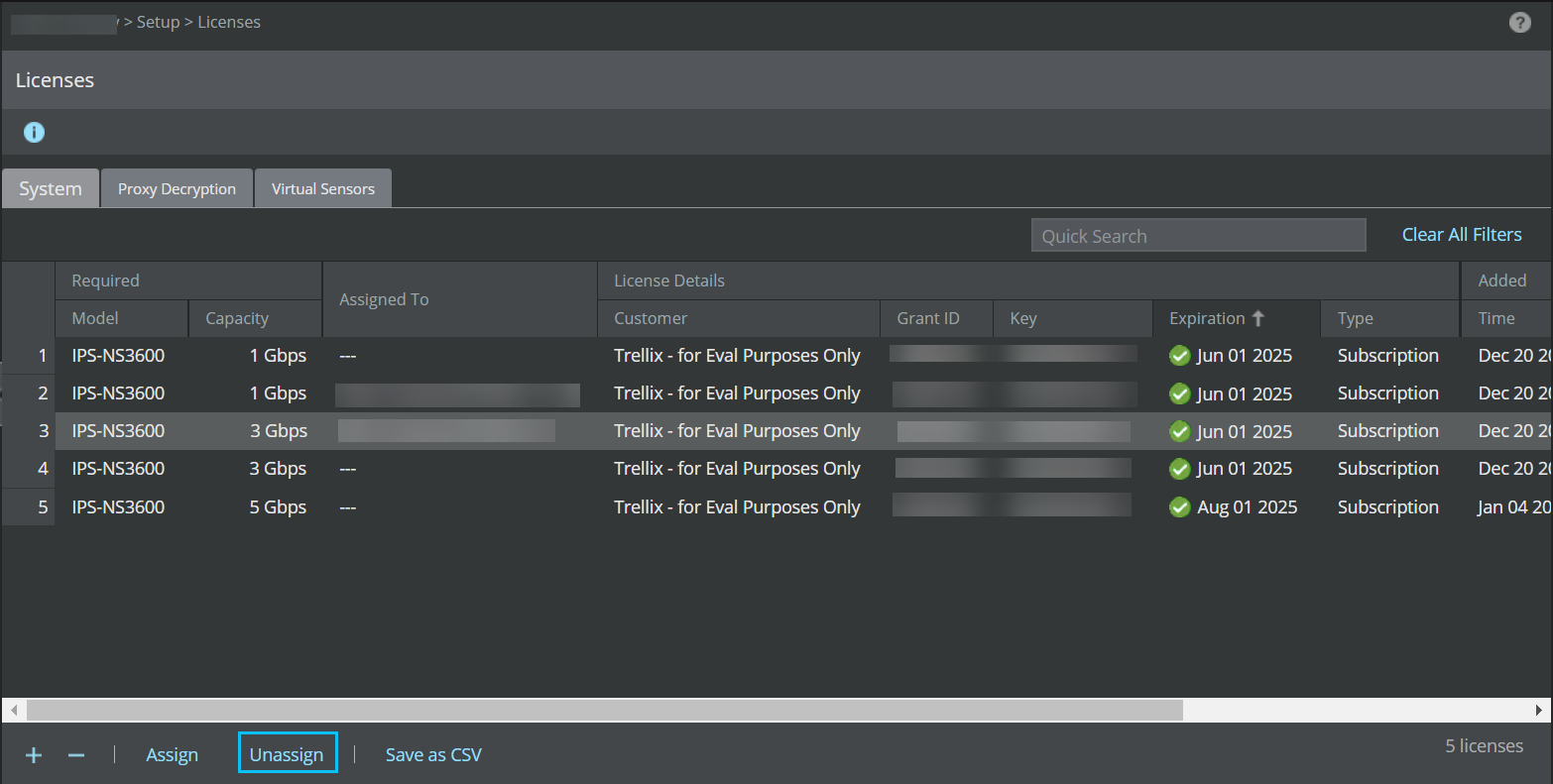
Click Unassign.
Click Ok.

Once a license is unassigned from a Sensor, the Manager will not be able to deploy pending changes, including new signature sets and policy updates to the Sensor.