On the Trellix Whitelist area in the Whitelist Categories (optional) page of the Network Security appliance, you can view the domains that are excluded from decryption through security content updates.
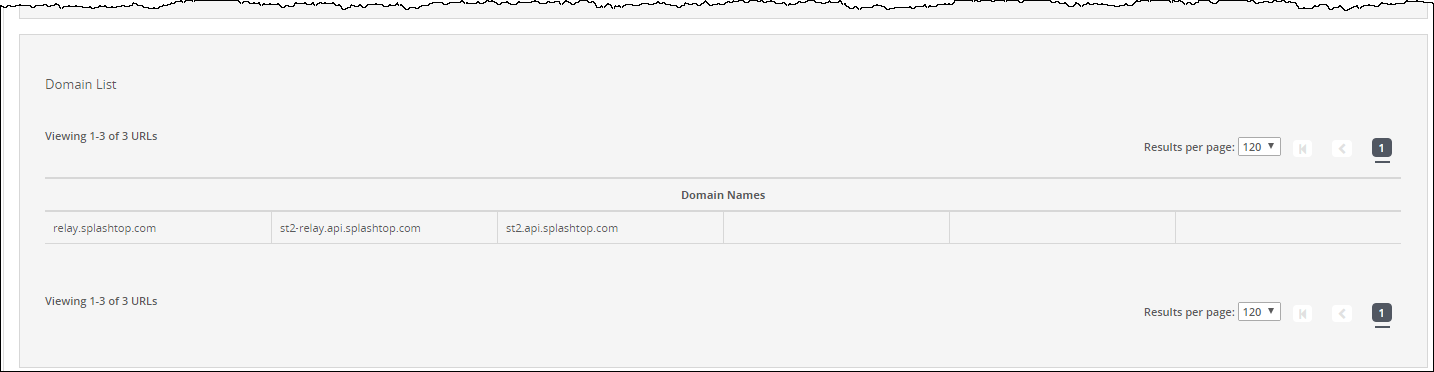
The following example displays the domains that are included in the predefined Trellix exclusion list:
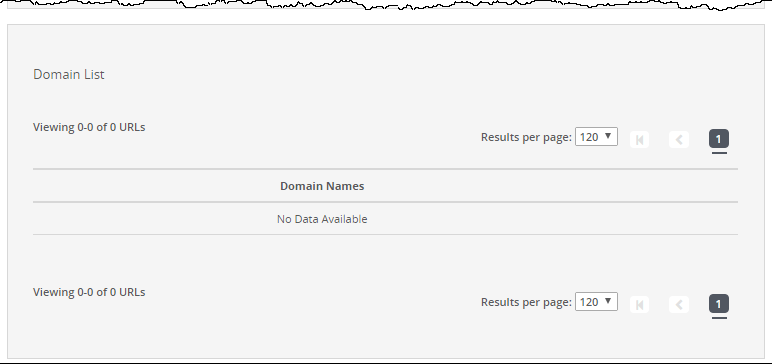
In the following example, the Network Security appliance does not yet contain domains in the predefined exclusion list.
To view the domains in the predefined Trellix whitelist category:
In the Web UI, choose Settings > SSL Intercept.
Click Whitelist Categories (optional).
Click Trellix Whitelist.