Use the Upload SSl Certificate section of the Settings > SSL Intercept page to configure an SSL interception certificate authority (CA) by doing the following tasks:
Import the public and private keys for an SSL interception CA certificate that is issued by a trusted public CA or your own organization.
Import the public and private keys for an SSL interception CA certificate that acts as an untrusted certificate and is not trusted by the system.
Export the public key for the issuer certificate that is trusted by a trusted public CA or your own organization.
Export the public key for the issuer certificate that acts as an untrusted certificate and is not trusted by the system.
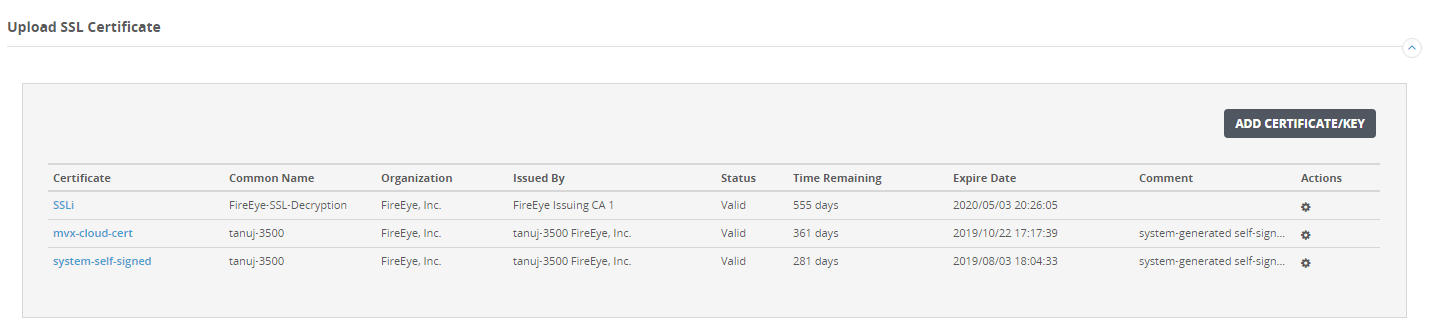
The following topics explain how to configure SSL interception CA certificates using the Web UI: