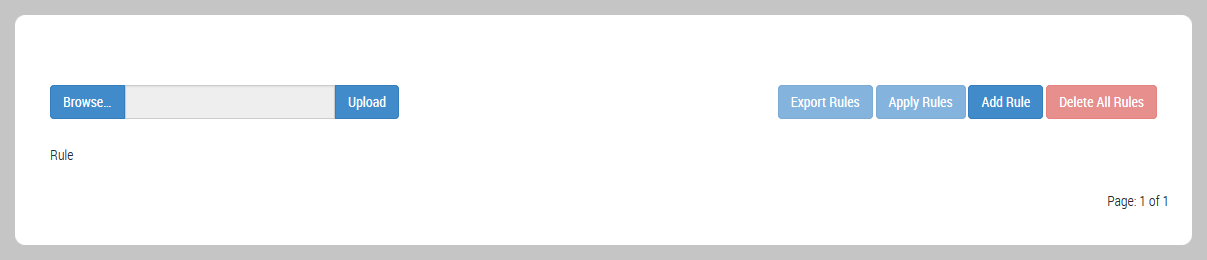
To delete all custom IPS rules from the IPS rules database on your platform, use the Custom Rules page.
Prerequisites
You are logged in to the Web UI of the IPS-enabled platform as Operator or Admin.
The IPS rules database on your appliance contains one or more custom IPS rules.
Procedure
To delete all custom IPS rules from the IPS rules database on your appliance:
Choose IPS > Custom Rules.
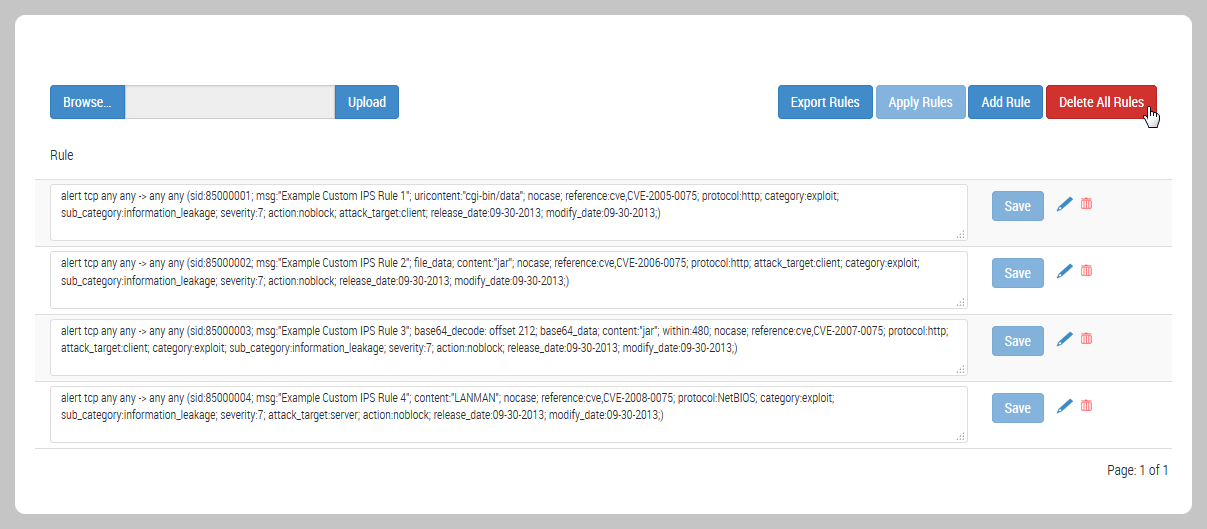
The page lists the custom IPS rules in the appliance IPS rules database.
Click Delete All Rules. A dialog box prompts you to confirm the changes.
Click OK. The IPS-enabled rules engine re-evaluates active IPS policies against the updated database of IPS rules.
The page refreshes to show that no custom IPS rules are in effect.