The ICAP service on Network Security appliances can block REQMOD and RESPMOD requests received from ICAP clients. When ICAP blocking is enabled, detection of a potential threat causes the appliance to block the requested data and instead serve the client browser a HTTP comfort page.
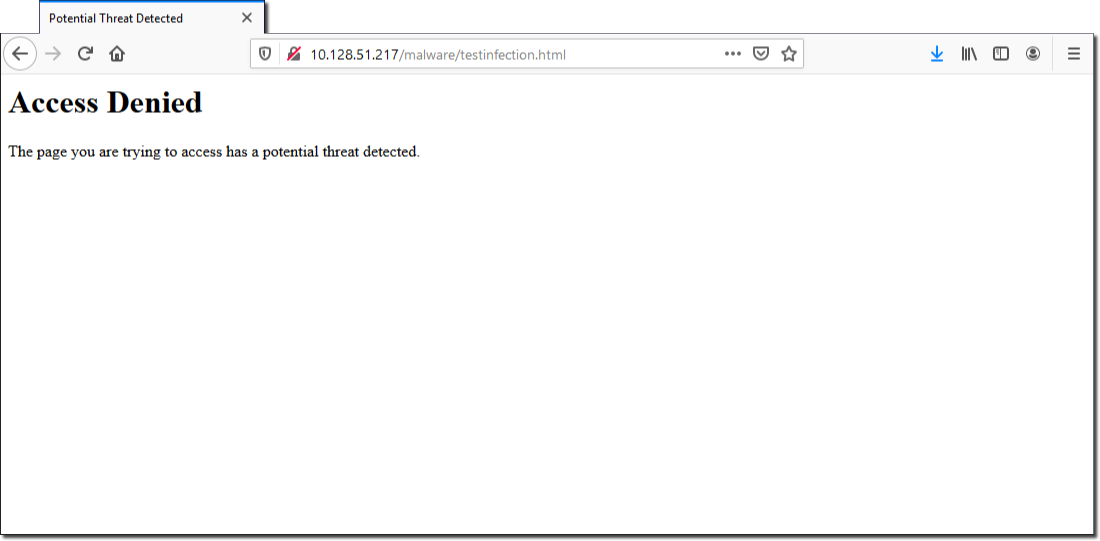
The following example shows the HTTP comfort page response served by a Network Security appliance acting as an ICAP server to a client browser:
Note
The ICAP service is disabled by default. Enabling the ICAP service does not automatically enable ICAP blocking mode. However, the ICAP blocking comfort page is enabled by default.
You can enable or disable ICAP blocking mode by using the Network Security appliance Web UI or CLI. You can enable or disable the ICAP blocking comfort page by using the Network Security appliance Web UI or CLI:
icap-service reqmod block-mode enable— This command enables the ICAP reqmod blocking functionality. By default, the ICAP reqmod blocking functionality is enabled.icap-service respmod block-mode enable— This command disables the ICAP respmod blocking functionality.