Locate the new fan module. Remove it from its packaging.
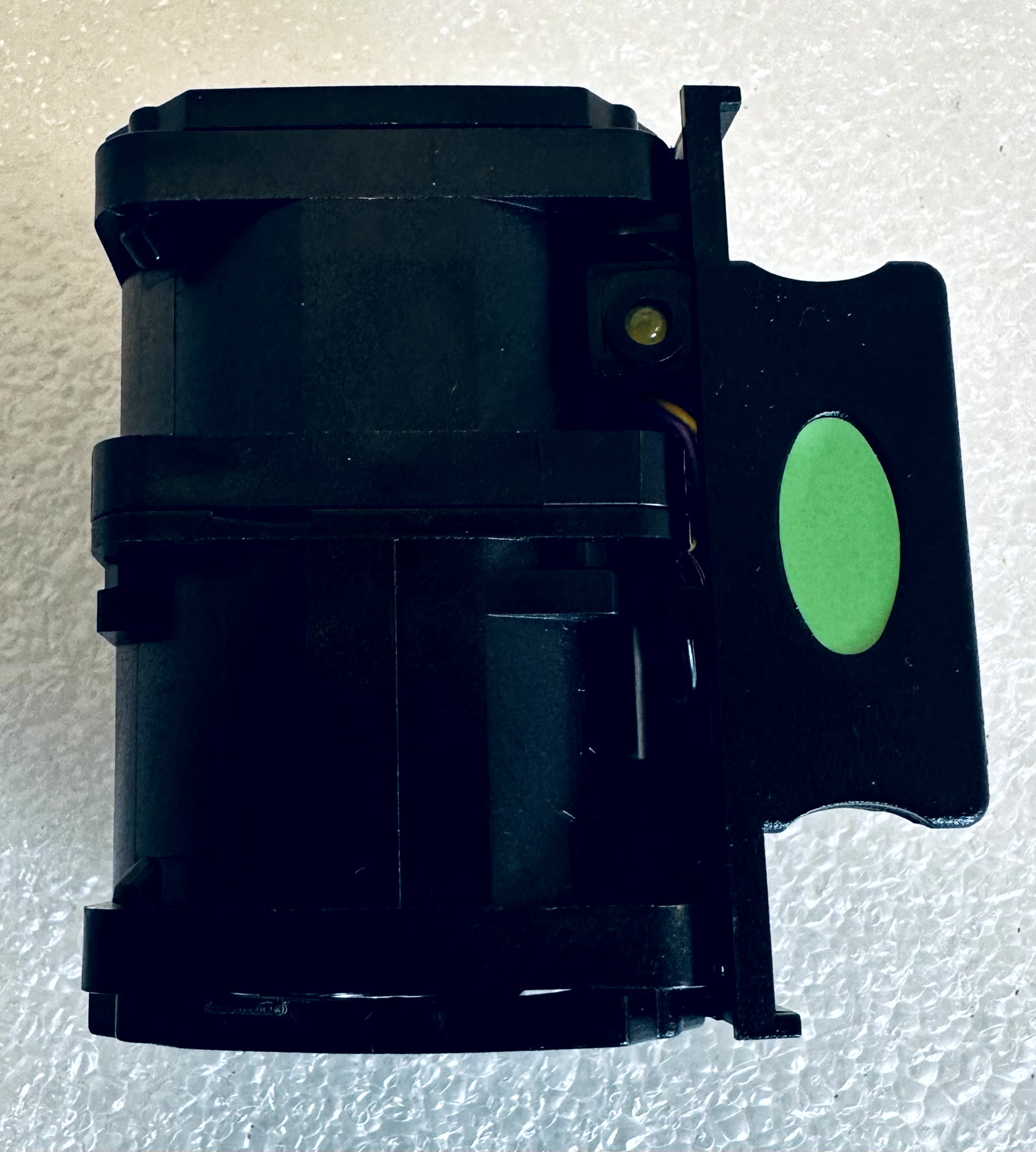
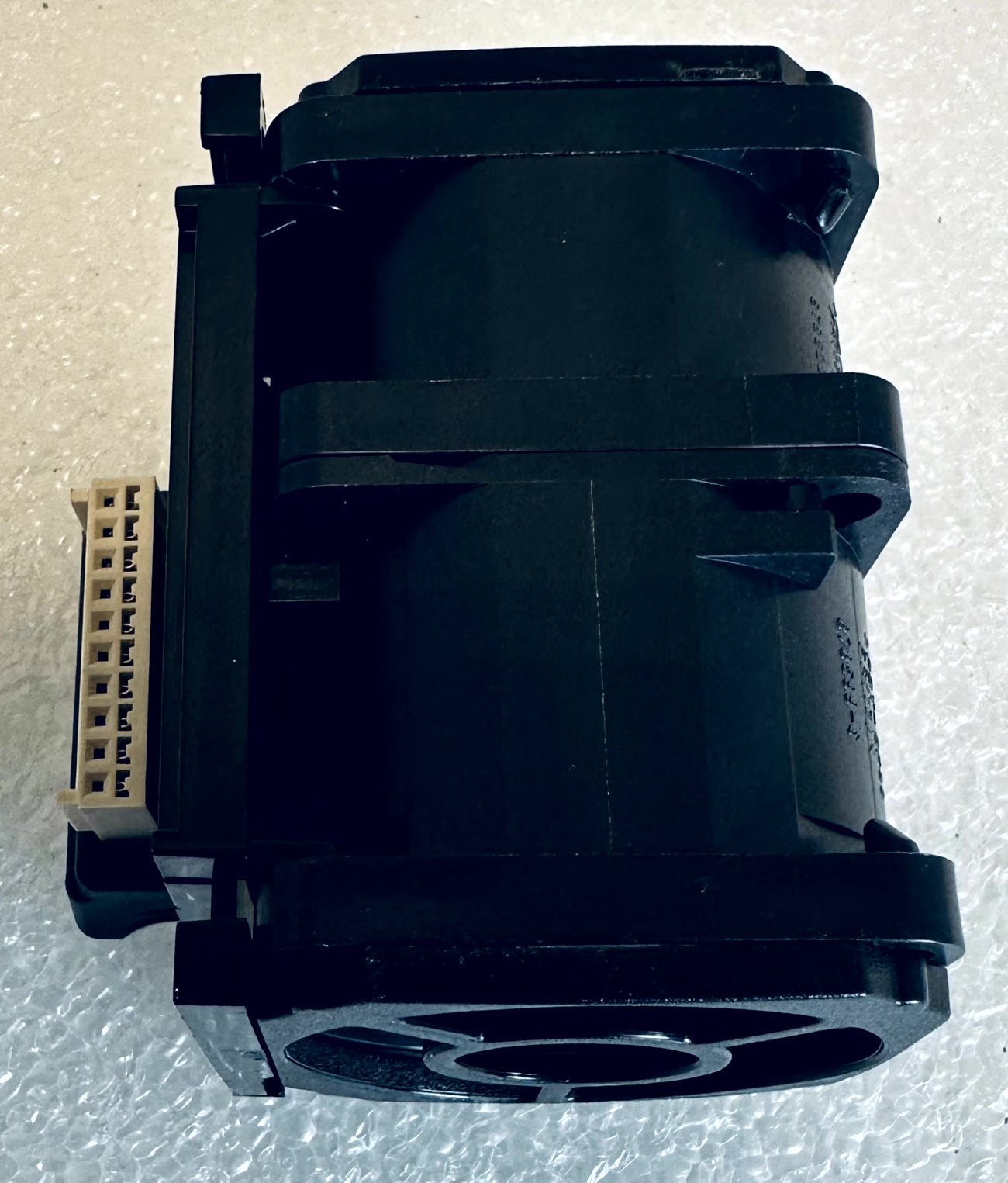
Align the fan connector with the chassis connector and carefully lower the new fan in the appropriate slot.
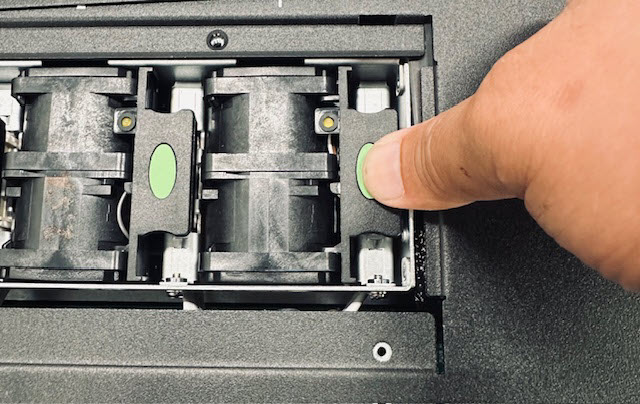
Press down to engage the fan connector.
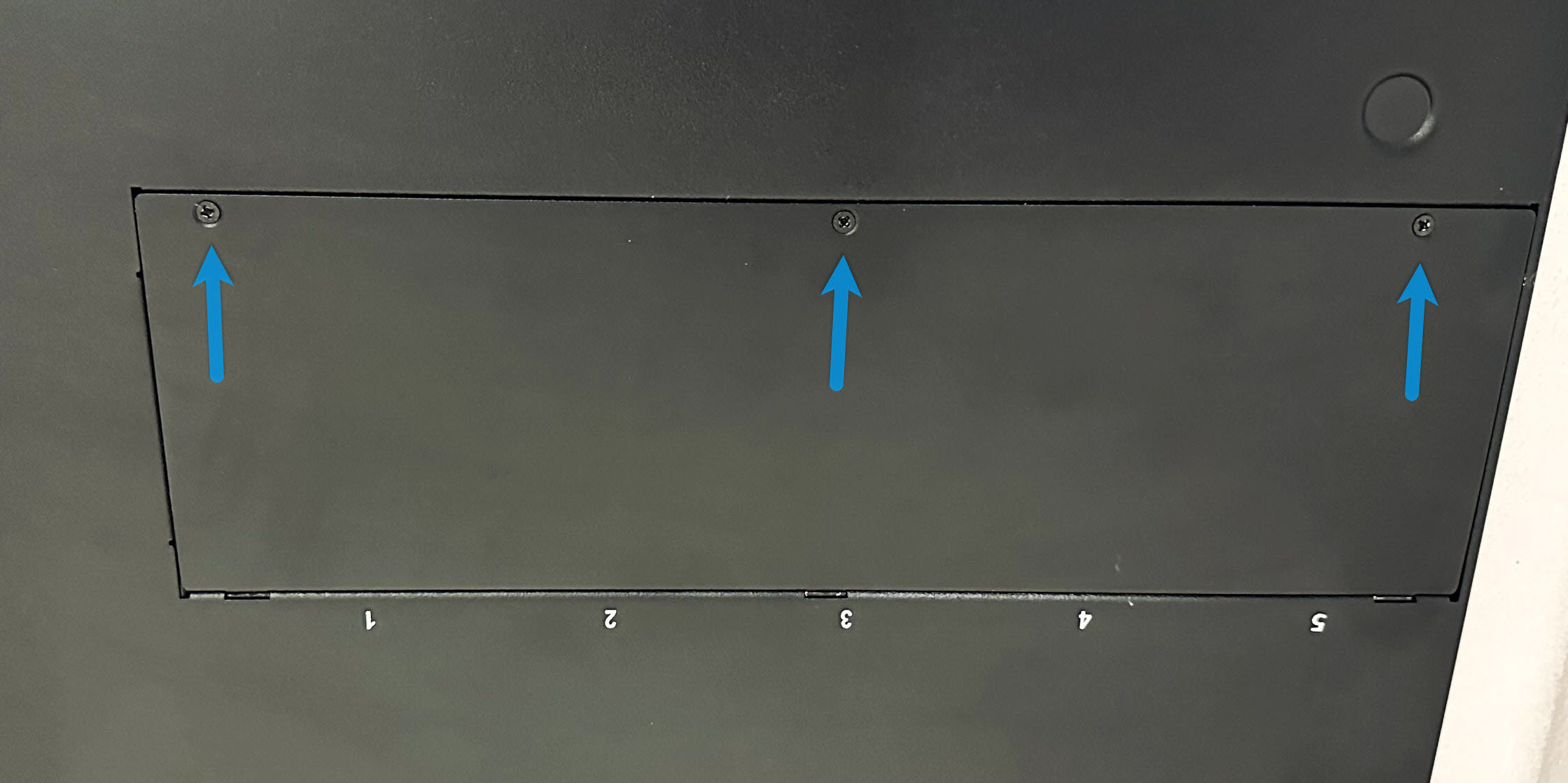
Reinstall the fan panel cover. Secure the fan panel cover using the 3 previously removed screws.
Test the functionality of the Sensor.
Using the Sensor CLI (normal mode), execute the
statuscommand to display Sensor system status, Sensor health, signature set version, trust channel status, alert counts, and so on. The Sensor should be initialized and in good health.For configuration information, such as Sensor model and image version, execute the
showcommand.Note
The Manager displays the System Health status in Dashboard. Manager status should be UP, and Sensor status should be ACTIVE.
Install the fan module
- Published on Oct 1, 2026
- 1 minute(s) read
Was this article helpful?