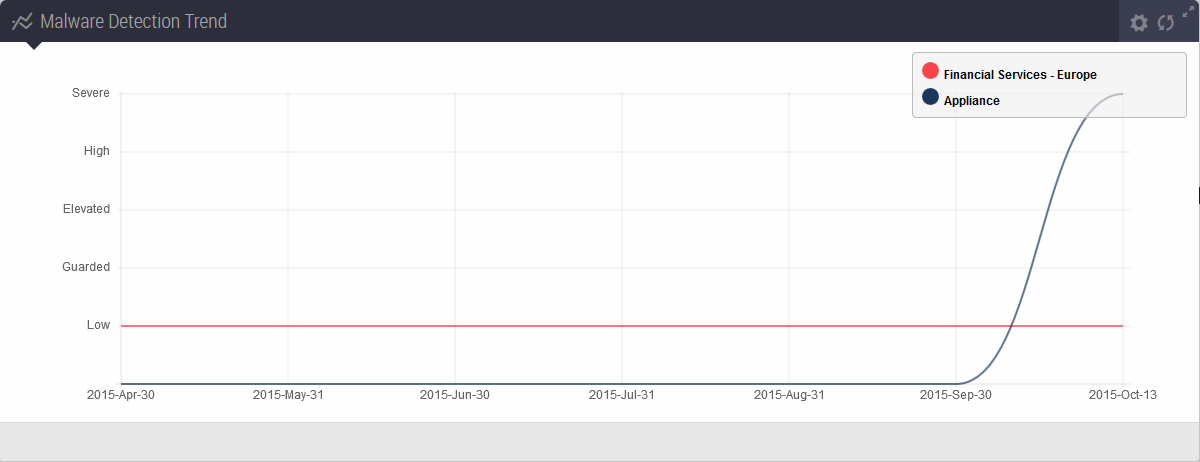
This panel displays the malware trend detected by your Trellix appliance compared to the malware detected within a specified industry and geographical location, over the past six months. The following example shows the malware trend detected by the appliance and the malware trend detected in the financial services industry in Europe.
Note
The panel does not display data if the appliance does not have connectivity with the Trellix Dynamic Threat Intelligence (DTI) cloud.
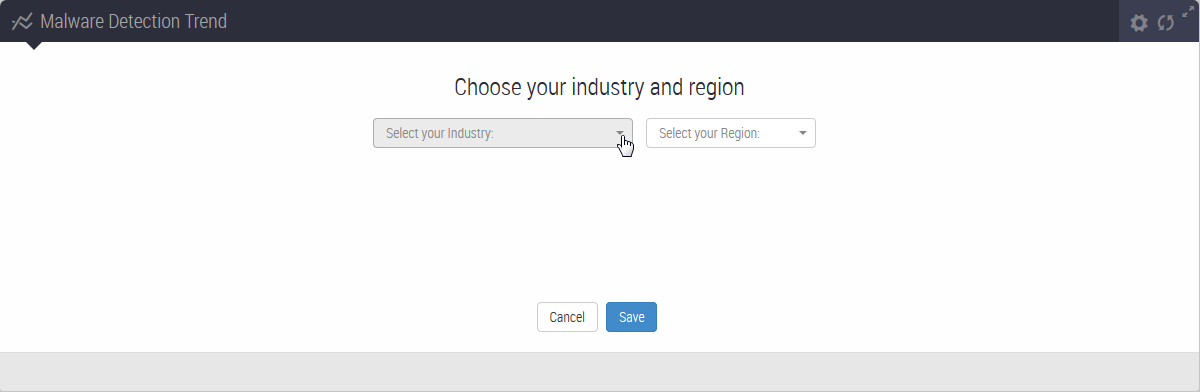
When you open the Dashboard for the first time on a new appliance, the Threat Level and Malware Detection panels do not display data. Use the menus in either panel to select your industry and geographical region. After you click Save, both panels display data.
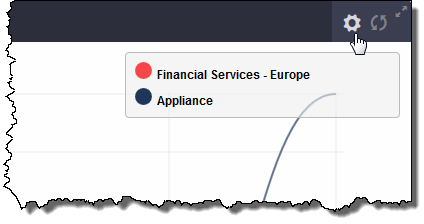
To reset you industry and geographical location selections, click the action icon.
To filter out one of the malware detection trends, click its colored disc in the legend. The disc becomes a circle. In the following example, the graph shows only the malware detected by the appliance.
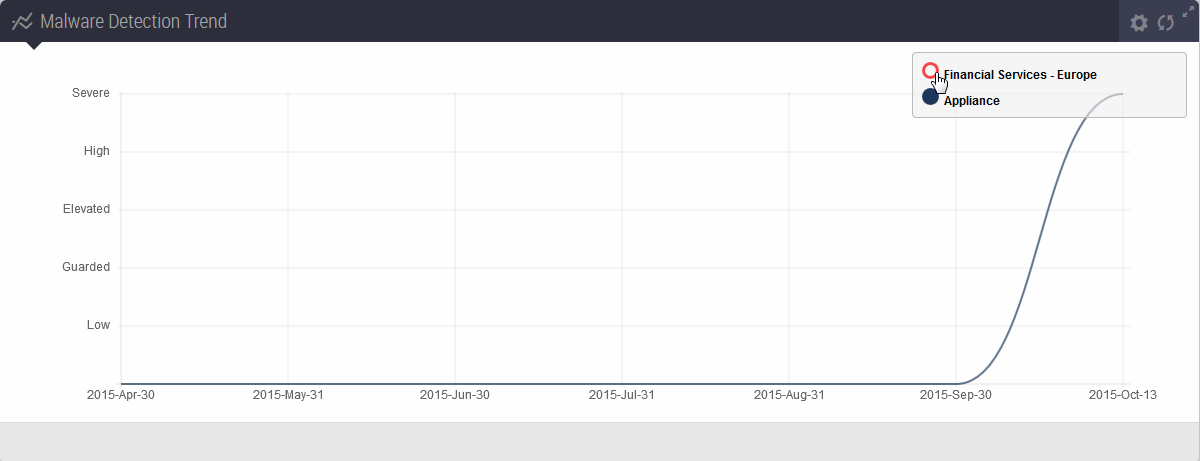
To stop filtering out a malware trend, click the corresponding colored circle in the legend.