If you have configured an IPv4 address for your Active Fail-Open chassis, you have the option to manage your Fail-Open module through a web interface.
Steps:
To access the Active Fail-Open chassis web interface, enter the IPv4 address of the chassis which you have configured.
The Fail-Open module web interface appears on the log-on screen. The default module or slot 1 (1:1) is displayed. To access the other 2 modules, click the drop-down arrow and choose the Slot (2:1 or 3:1).
Note
You can also change the module from the CLI command prompt using the
set_seg x yCLI command. Herexis the module number andyis the segment.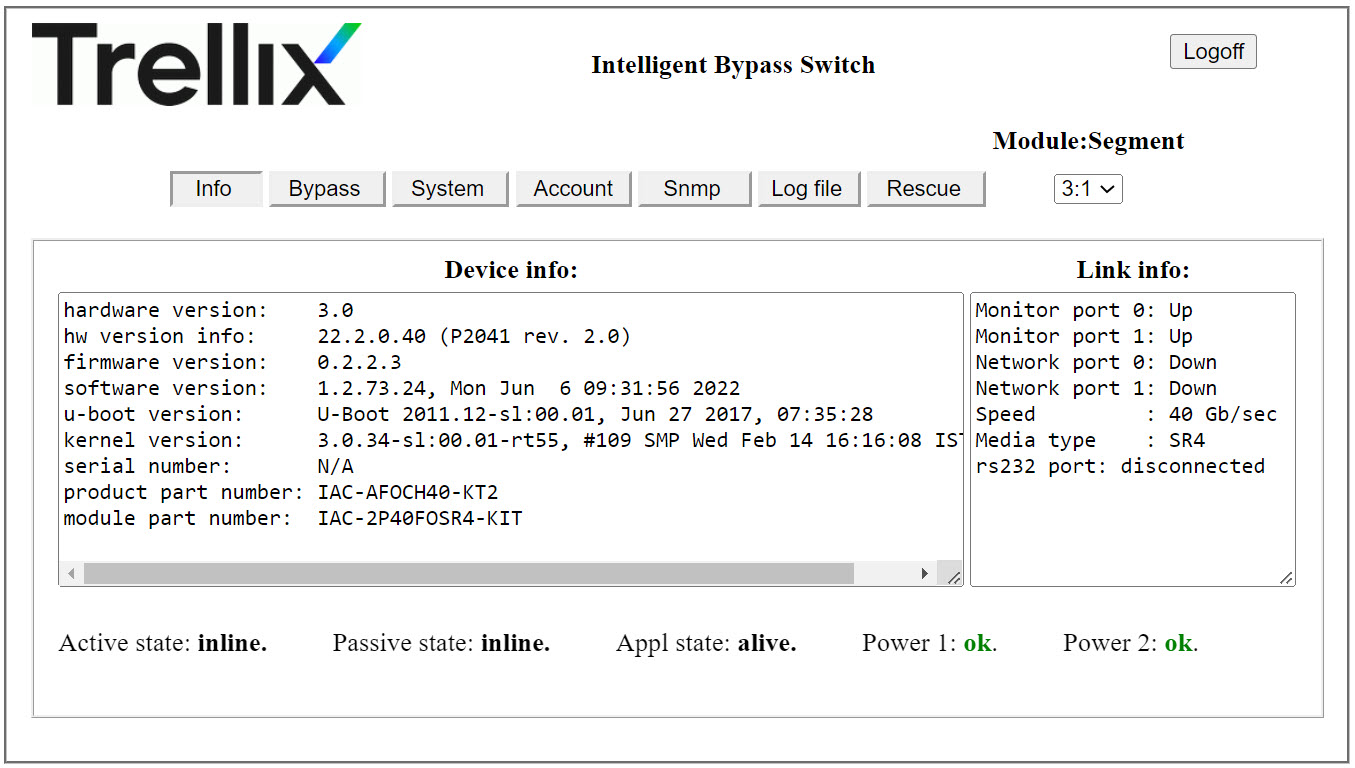
To log on, enter the default username and password (
Trellix00).
Result: You are routed to the fail-open web interface landing page which shows you information about the present settings configured in the Fail-Open module. Configuration of necessary settings is explained in the subsequent sections.