After configuring the GTI server, use the Test Connection feature to check if the communication to the Private GTI Server is established:
Task
- Select Manager → <Admin Domain Name> → Integration → GTI → Endpoint/URL Reputation.
-
Click
Test Connection.
The Test Connection dialog box opens.
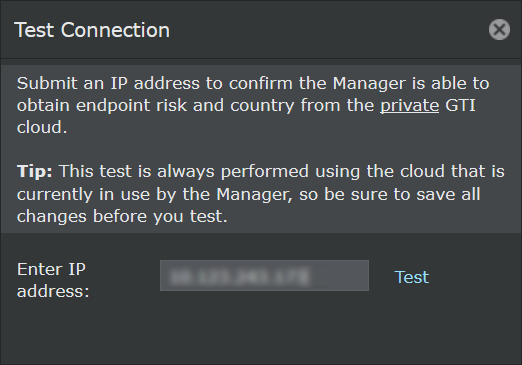
- Enter the IP address to determine the risk and country based on GTI data.
-
Click
Test.
If the Private GTI Cloud is configured, the reputation of the endpoint from the Private GTI Cloud is displayed. If the Private GTI Cloud is not configured, the reputation of the endpoint from the Public GTI Cloud is displayed. If the connection to both Cloud was not successful, an error is displayed.The table below shows the list of responses and what they interpret:
Response What it means... Next steps Reputation: Unverified
Geo: -
GTI communication is successful. There is no information available for the IP address and hence no country flag. None Could not connect to the server - HTTP Status Code 404 Error - AJAX file not found error
- HTTP Status Code 500 Error - AJAX internal system error
- AJAX Timeout Errors
- AJAX Abort Errors
- Browser/Connectivity Errors
Check the ems.log file for more information about the issue. Invalid IP address The IP address you entered is not valid. Try another IP address. Test Connection Failed The test connection to the GTI server failed. Check your connection settings before you proceed.